Businesses everywhere are searching for smarter ways to adapt and thrive. In 2026, filemaker software is at the forefront, revolutionizing how organizations build and manage custom solutions.
Flexible, AI-ready, and packed with integration features, filemaker software meets today’s demand for scalable business tools. Imagine building custom apps, automating workflows, and securing data, all tailored for your unique needs.
Curious how this platform can transform your operations? This guide walks you through filemaker software’s core features, latest updates, licensing options, real-world use cases, integration tips, and expert advice.
Start exploring now to unlock the full potential of filemaker software for your business.
Understanding FileMaker Software: Core Features and Ecosystem
FileMaker software is at the heart of modern business transformation, offering a blend of flexibility, power, and ease of use. Whether you’re new to FileMaker or looking to deepen your understanding, this section breaks down its essential features and ecosystem to help you see why so many organizations trust it for custom solutions.
What is FileMaker?
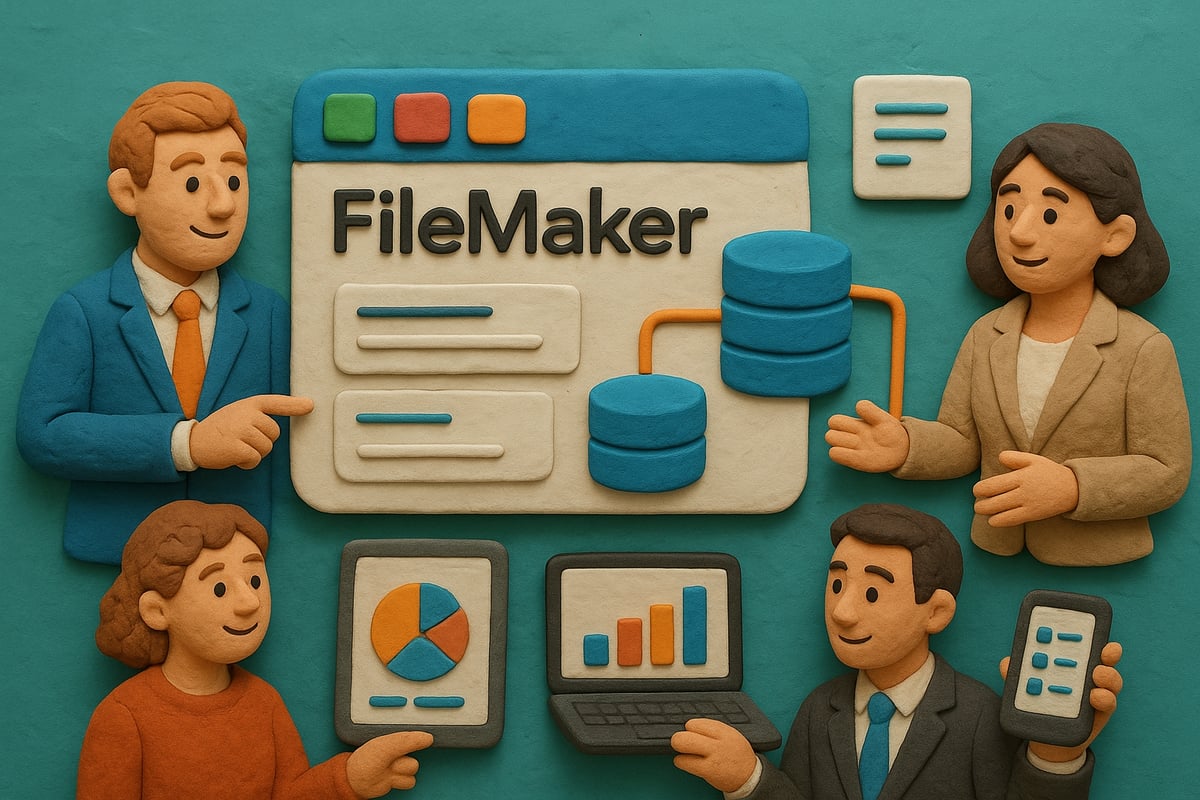
FileMaker software is a renowned low-code platform that empowers businesses to create custom apps without extensive programming knowledge. Since its inception in the 1980s, FileMaker has evolved into a robust ecosystem, including FileMaker Pro (for desktop), FileMaker Server (for hosting), FileMaker Go (for mobile), WebDirect (for browser access), Data API, Claris Connect, and Claris Studio. It supports Windows, Mac, iOS, and web platforms, making it highly versatile. Organizations worldwide leverage FileMaker software for asset tracking and project management, with millions of users globally depending on it. For a deeper dive into its history and capabilities, explore FileMaker’s Core Features and Ecosystem.
Key Features and Capabilities
FileMaker software stands out for its intuitive graphical user interface and flexible design tools. Users can choose from built-in templates and ready-to-use themes, speeding up development. The platform enables cross-platform database access and real-time collaboration, keeping teams aligned. Security is robust, with encryption, user privilege management, and field-level access controls. Built-in reporting, charting, and custom report generation tools add further value.
| Feature | Benefit |
|---|---|
| GUI & Templates | Fast, easy app creation |
| Cross-Platform Access | Work anywhere, anytime |
| Security | Protect sensitive business data |
| Reporting & Charting | Visualize and analyze information |
FileMaker’s Flexibility and Customization
With FileMaker software, anyone can build custom business apps using drag-and-drop tools, even without a developer background. For complex needs, expert developers can create tailored solutions that fit unique business workflows. The platform scales seamlessly, supporting teams from five users to large enterprises. Many organizations use FileMaker software for custom CRM and ERP systems, adapting the platform to their exact requirements.
Integration and Automation Tools
Integration is a core strength of FileMaker software. It connects with SQL, ODBC/JDBC, XML, and REST APIs, making data exchange straightforward. Claris Connect extends integration to popular external services like Mailchimp, Twilio, and Stripe. Automation eliminates manual data entry and streamlines workflows. For example, organizations often integrate QuickBooks or Outlook with FileMaker software to simplify accounting or communication processes.
Some key integration features include:
- Built-in connectors for third-party services
- Automated workflow triggers
- API support for custom integrations
FileMaker’s Value Proposition
FileMaker software delivers a compelling balance of power and affordability. Compared to traditional enterprise applications, it offers a lower total cost of ownership. Annual licensing ensures organizations receive the latest updates and upgrades. Users benefit from a vibrant community, extensive training resources, and certification programs. Many organizations choose FileMaker software because it delivers advanced capabilities at a fraction of the cost, helping businesses scale and innovate efficiently.
What’s New in FileMaker 2026: Innovations and AI Integration
Staying ahead in today's business landscape means adopting technology that grows with your needs. FileMaker software is raising the bar in 2026, introducing innovations that blend artificial intelligence, enhanced development tools, and seamless integration. These updates empower organizations to automate, streamline, and personalize their solutions like never before.
Built-in AI and Large Language Model (LLM) Support
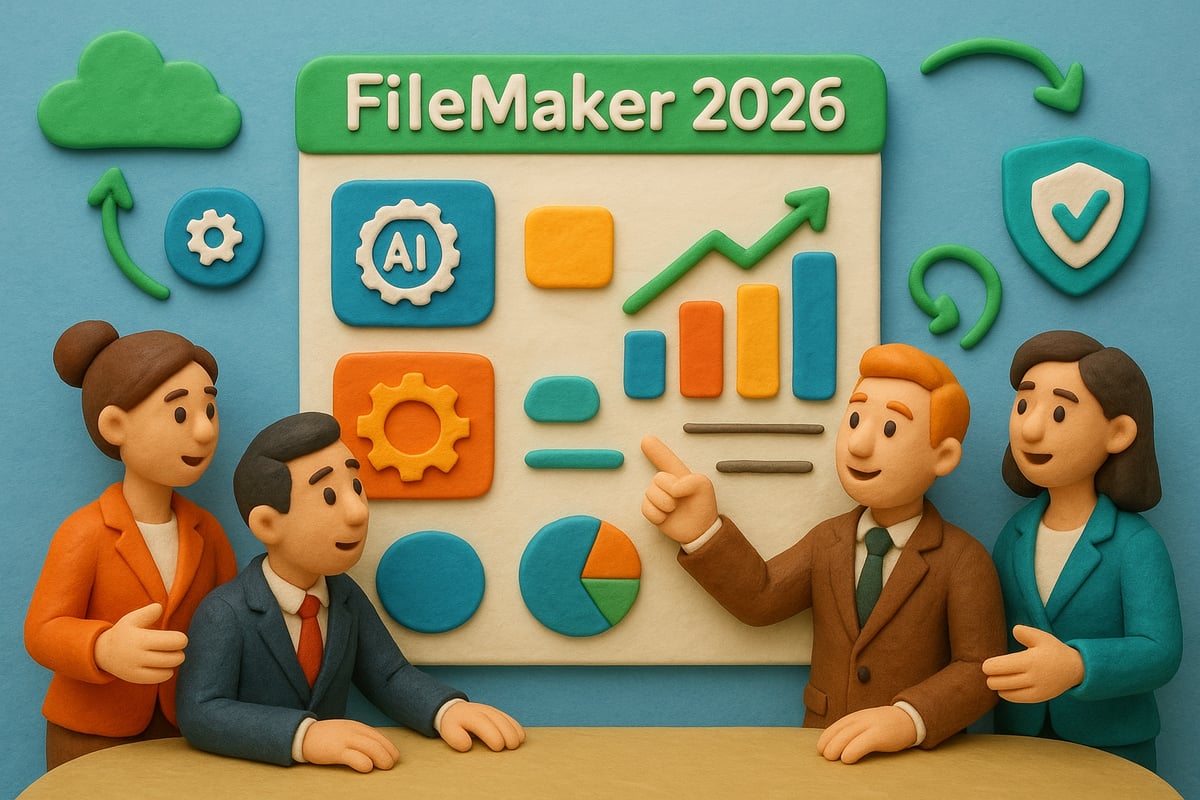
FileMaker software now features advanced, native AI capabilities that transform how you build and use custom business apps. With built-in support for large language models, users can automatically generate find requests, craft complex SQL queries, and produce content with just a few prompts. Script steps are designed for seamless AI integration, letting you automate data extraction from PDFs or emails with minimal manual input.
For example, a logistics company can quickly process shipment documents by leveraging AI-driven scripts, reducing hours of manual work. Want to see how similar features evolved? Explore FileMaker’s AI Integration in 2025 for more context.
Enhanced Development and Scripting Tools
In 2026, FileMaker software introduces new script steps and improved scripting options, giving developers even more control over automation. The updated script workspace now supports better organization with folders, making it easy to manage complex custom functions.
Reusable scripts are a game-changer, allowing teams to standardize workflows across multiple projects. For instance, a marketing team can build a library of scripts for lead tracking, campaign automation, and client reporting, all within the same FileMaker software environment.
Performance, Security, and User Experience Upgrades
Speed and security are at the core of the latest FileMaker software release. Platform-wide enhancements deliver faster data processing, ensuring that even large databases remain responsive. Encryption protocols and security management tools have been strengthened, giving IT teams confidence in protecting sensitive information.
User interfaces are more accessible and intuitive, whether you're on desktop or mobile. The 2026 update ensures a smooth experience for every user, from administrators to field staff, making FileMaker software a reliable choice for organizations of any size.
Claris Studio and Web Integration
FileMaker software now works seamlessly with Claris Studio, enabling users to display and update data through interactive web views. This integration allows custom apps to reach beyond internal teams, connecting external stakeholders and customers directly through the web.
Imagine publishing a branded web form for event registrations, with responses flowing instantly back into your FileMaker software database. This flexibility supports remote collaboration and opens new opportunities for digital engagement.
Configure Prompt Template and AI Prompt Reusability
A standout feature in FileMaker software 2026 is the ability to define and reuse AI prompt templates. Developers can set up prompt templates once and apply them across multiple scripts, ensuring consistency and saving valuable development time.
For example, customer support teams can utilize a standard AI prompt for generating responses, maintaining a uniform voice in every interaction. This streamlines AI-driven features and boosts overall productivity within the FileMaker software workflow.
Real-World Impact: Case Studies and Statistics
Organizations adopting the new FileMaker software report remarkable gains in efficiency. Healthcare providers, for instance, are leveraging AI features to manage patient records, reducing manual data entry and improving accuracy.
Early adopters cite significant time savings, with some businesses cutting repetitive tasks by up to 40 percent. These success stories highlight how FileMaker software's innovations directly translate into measurable business value, positioning it as a leader in intelligent business solutions.
FileMaker Licensing, Pricing, and Platform Options
Selecting the right filemaker software setup is crucial for maximizing your business’s productivity and flexibility. With FileMaker’s modular approach, you can tailor the platform to suit your needs, whether you’re a small team or a large enterprise. Let’s break down the platform options, licensing models, and everything included with your investment in filemaker software.

FileMaker Pro, Server, Go, WebDirect, and Cloud
The filemaker software platform is made up of several core components, each designed for specific use cases. Here’s a quick comparison:
| Component | Ideal Use Case | Platform |
|---|---|---|
| FileMaker Pro | Desktop app development | Windows, Mac |
| FileMaker Server | Centralized hosting | Windows, Mac, Linux |
| FileMaker Go | Mobile access | iOS (iPad, iPhone) |
| WebDirect | Browser-based access | Web |
| FileMaker Cloud | Managed cloud hosting | Web |
For example, a small business might use FileMaker Pro for in-house solutions and FileMaker Go for their mobile sales team, while larger organizations benefit from the scalability of FileMaker Server or Cloud.
Licensing Models: Annual, Volume, and User-Based
Filemaker software offers flexible licensing to fit teams of any size. The most popular option is annual licensing, which ensures you always have access to the latest updates. Volume licensing is available for larger organizations, providing cost efficiency as your team grows.
There are two main user models to consider:
- User-based licensing: Each named user has full access.
- Concurrent licensing: A set number of users can access the system at any given time.
According to recent statistics, annual licensing remains the top choice for businesses scaling their filemaker software deployments.
What’s Included in a FileMaker License
A typical filemaker software license is packed with value. Here’s what you can expect:
- FileMaker Server: Host up to 3 separate servers for robust deployment.
- Claris Connect: Run up to 5 active integration flows.
- Claris Studio: Create up to 10 native web views for external data collection.
- Data API: Enable seamless data exchange with other apps.
For a mid-sized company, these bundled features mean you can launch a complete digital ecosystem with filemaker software right out of the box.
Supported Platforms and System Requirements
Filemaker software is built for cross-platform compatibility. Supported operating systems include Windows, Mac, and Linux for servers, plus iPad and iPhone for mobile users. WebDirect and Cloud provide browser-based access, supporting Chrome, Safari, and Edge.
Hardware requirements are modest, making it easy to deploy filemaker software even in mixed device environments. For example, you can roll out a solution across office desktops and field iPads without compatibility headaches.
Buying FileMaker: Where and How
You can purchase filemaker software directly from Claris or through certified partners who provide expert guidance and support. There are often special offers for educational and non-profit organizations, making the platform accessible to a wide range of users.
To choose the right license, evaluate your team’s size, future growth, and integration needs. For deeper technical insights or to explore how filemaker software can evolve with your business, visit FileMaker development resources.
Building Powerful Solutions: Step-by-Step FileMaker App Development
Unlocking the potential of filemaker software starts with a clear, strategic approach. Whether you’re building your first custom app or refining a complex business solution, following a proven step-by-step process will help you maximize results. Let’s break down the essential stages to building robust, scalable applications that drive real business value.
Step 1: Planning Your Custom Solution
Every successful filemaker software project begins with thoughtful planning. Start by identifying which business processes you want to digitize or streamline. Gather input from key stakeholders to define clear objectives, user roles, and essential data requirements.
Consider mapping out your workflow visually. Ask these questions:
- What pain points will your solution address?
- Which teams or departments will use the app?
- What data needs to be captured, tracked, and reported?
For example, if you’re building a sales CRM, sketch out the journey from lead capture to closing a deal. This roadmap sets the foundation for the entire development process and ensures your filemaker software aligns with real business needs.
Step 2: Designing the Database Structure
With your plan in place, it’s time to architect the database. Filemaker software makes this process accessible, even for non-developers. Start by creating tables for each major data type, such as Customers, Products, or Orders.
Define fields for each table, specifying data types like text, number, or date. Establish relationships between tables to enable powerful reporting and automation.
You can use built-in templates to jumpstart your design or build everything from scratch for full customization. For instance, an inventory management schema might include tables for suppliers, stock levels, and transactions, all connected in a logical structure.
Step 3: Building User Interfaces and Layouts
Now, bring your data to life with intuitive user interfaces. Filemaker software offers drag-and-drop design tools that let you create layouts tailored for desktop, mobile, or web users.
Incorporate your company’s branding, colors, and logos to create a professional look. Prioritize user experience by organizing key actions and information logically. For example, design custom dashboards that provide real-time sales insights at a glance.
Use layout objects like buttons, tabs, and portals to simplify navigation. Testing different interface variations ensures your filemaker software is both attractive and efficient for daily use.
Step 4: Automating Workflows with Scripts and Calculations
One of the strongest advantages of filemaker software is its ability to automate manual tasks. By writing scripts, you can streamline repetitive actions, from sending automated emails to generating invoices.
Leverage calculations for dynamic data processing, such as auto-calculating totals or generating custom IDs. If you want to dive deeper into workflow automation, explore resources on Automation with FileMaker to unlock even more advanced capabilities.
For example, set up a script that automatically sends an alert to your team when inventory drops below a threshold. Automation not only saves time but reduces human error, making your filemaker software solution more reliable.
Step 5: Integrating External Data and Services
Extend the power of your filemaker software by connecting it with third-party applications. Use APIs to sync data with platforms like QuickBooks, Mailchimp, or your eCommerce system.
Filemaker supports importing and exporting data in formats such as CSV and XML, allowing seamless migration and reporting. For example, sync customer data between your online store and CRM to ensure accurate, up-to-date records.
Integration is key to building a unified tech stack, so plan for any external data sources or services that will make your solution even more valuable.
Step 6: Testing, Deployment, and User Training
The final step is ensuring your filemaker software is ready for real-world use. Conduct thorough user acceptance testing to identify and fix any bugs or usability issues. Deploy your solution on FileMaker Server or Cloud for secure, scalable access.
Invest in user training sessions and provide clear documentation to help your team adopt the new system confidently. For example, rolling out a custom app to remote teams is smoother when users understand each feature and benefit.
Continuous feedback and iterative improvements will keep your filemaker software delivering value far into the future.
Real-World Applications and Industry Use Cases
Explore how organizations of every size and sector transform operations using filemaker software. From centralizing customer data to automating complex workflows, filemaker software adapts to your business needs, driving efficiency and growth.
FileMaker in Small and Large Enterprises
Companies both small and large rely on filemaker software to centralize customer information, streamline project management, and track valuable assets. Instead of juggling multiple spreadsheets or disconnected databases, organizations deploy filemaker software as a scalable CRM solution.
A recent survey shows impressive adoption rates among SMEs and enterprises:
| Company Size | Adoption Rate |
|---|---|
| Small Businesses | 62% |
| Medium Businesses | 71% |
| Large Enterprises | 54% |
For example, a growing marketing agency replaced scattered spreadsheets with filemaker software, gaining real-time access to project statuses and client histories. This centralization leads to faster decision-making and better collaboration across teams.
Healthcare, Education, and Non-Profit Solutions
In regulated sectors like healthcare and education, filemaker software delivers tailored solutions for secure patient record management and appointment scheduling. Clinics use filemaker software to handle sensitive patient data, ensuring compliance with privacy regulations while streamlining check-in and follow-up processes.
Educational institutions benefit from filemaker software by digitizing student records, automating class scheduling, and improving communication with parents and staff. Non-profits leverage filemaker software to track donors, manage events, and measure program outcomes. These organizations report increased efficiency and reduced administrative overhead.
Inventory, Sales, and Workflow Automation
Retailers and wholesalers harness filemaker software to automate inventory control, order processing, and sales reporting. By integrating barcode scanning and automated alerts, businesses minimize manual entry errors and improve stock accuracy.
Consider a regional retailer who adopted filemaker software to automate sales reporting and inventory restocking. The result was a 30% reduction in data entry mistakes and faster turnaround on customer orders. For more insights on custom management solutions, see Custom business management software.
Mobile and Field Service Applications
Filemaker software truly shines for mobile and field service teams. Using FileMaker Go, organizations equip staff with iOS apps to update job statuses, capture signatures, and access critical data in real time, wherever work takes them.
Maintenance companies, for instance, empower technicians to log repairs and share updates instantly from client sites. This mobility leads to improved response times and higher service quality. Field teams consistently report greater productivity and customer satisfaction after adopting filemaker software for their daily operations.
Integration with Accounting, Marketing, and Communication Tools
One of the standout benefits of filemaker software is its ability to connect seamlessly with leading business tools. Companies integrate filemaker software with QuickBooks for automated invoicing, sync contacts with Mailchimp for targeted marketing, and streamline communication by linking with Outlook.
These integrations unlock powerful business intelligence, allowing organizations to analyze combined data for smarter decisions. By leveraging filemaker software’s integration features, businesses eliminate data silos and create a unified workflow across departments.
Training, Resources, and Expert Recommendations
Unlocking the full potential of filemaker software starts with the right training, resources, and expert guidance. Whether you are a new user or a seasoned developer, leveraging the right support can make all the difference in your custom app journey. Let’s explore how you can boost your skills, connect with the community, and make smarter decisions for your business using filemaker software.
Learning FileMaker: Courses and Certification
Getting started with filemaker software is easier than ever, thanks to a wealth of training options. From beginner introductions to advanced development, there’s a path for everyone. Online platforms offer self-paced courses, while Claris and partner organizations provide instructor-led workshops and certification exams.
For those seeking a structured curriculum, Productive Computing University stands out with step-by-step modules covering everything from database design to automation. Achieving certification not only validates your expertise in filemaker software, but also enhances your credibility with employers and clients. Many professionals report that earning their certification opens doors to new projects and career advancement.
Community Support and Free Resources
The filemaker software community is vibrant, supportive, and always ready to help. Online forums, such as the official Claris Community, connect you with experts and peers who can answer questions, share best practices, and offer troubleshooting advice.
Blogs, video tutorials, and sample files are widely available, making it easy to explore new features and stay updated. Free resources, including downloadable templates and open-source tools, empower you to experiment and learn at your own pace. With regular knowledge sharing, the community ensures that users of filemaker software are never alone in their journey.
Best Practices for FileMaker Success
To maximize the value of filemaker software, following proven best practices is essential. Start with clear project planning: define goals, map workflows, and determine data requirements. Security should always be a priority; use strong encryption, manage user privileges, and regularly update your solutions.
Regular maintenance, including scheduled backups and health assessments, keeps your systems running smoothly. For more insights into robust security practices and integration capabilities, check out FileMaker’s Security Features. Adopting these habits ensures your filemaker software solutions remain reliable and scalable as your business grows.
Choosing the Right FileMaker Partner
Complex projects often require expert guidance. Selecting a certified Claris partner ensures your filemaker software implementation is both efficient and future-proof. Evaluate partners based on their technical expertise, industry experience, and commitment to ongoing support.
Look for testimonials and case studies that demonstrate successful integrations and digital transformations. For businesses interested in learning more about partner selection and the benefits of working with certified experts, explore FileMaker Business Alliance insights. The right partner can help you integrate legacy systems, streamline workflows, and unlock new business opportunities with filemaker software.
Custom FileMaker Solutions by Lolli Group
Lolli Group specializes in designing and developing custom solutions powered by filemaker software. Their team crafts bespoke ERP and CRM systems, enhanced with API integrations and artificial intelligence for maximum efficiency.
With deep customization capabilities, Lolli Group delivers flexible and scalable solutions tailored to healthcare, industry, and service sectors. As a certified Claris FileMaker Partner, they offer a proven track record in digital transformation projects. Reach out to Lolli Group to align your filemaker software strategy with your unique business needs.
Staying Ahead: Future-Proofing with FileMaker
To remain competitive, businesses must continuously adapt their filemaker software solutions. Embracing AI and automation helps streamline operations, reduce manual tasks, and unlock new efficiencies. Staying informed about upcoming releases and features allows you to plan for future integrations and scalability.
Forward-thinking organizations regularly review their digital strategies, ensuring their filemaker software remains aligned with evolving business goals. By investing in training and keeping an eye on industry trends, you can confidently prepare for whatever the future holds.
Frequently Asked Questions and Troubleshooting Tips
Common questions about filemaker software include setup, licensing, and deployment processes. Users often wonder how to optimize performance, resolve connectivity issues, and enhance security.
Here are some quick troubleshooting tips:
- Always check for the latest updates and patches.
- Review user permissions if access is restricted.
- Consult community forums for solutions to common errors.
- Use built-in diagnostic tools for performance monitoring.
Ongoing support resources and documentation ensure your filemaker software runs smoothly, giving you peace of mind as your business grows.