Ready to revolutionize your business in 2026? FileMaker ERP is changing the way organizations manage operations, offering agile and customizable solutions for any size company.
In this guide, you’ll discover how filemaker erp empowers you to streamline workflows, boost efficiency, and embrace digital transformation with confidence.
We’ll break down the essentials, explore top features, showcase industry applications, and give you a step-by-step roadmap for successful implementation.
Get inspired to take the next step and unlock your organization’s true potential with a smarter, more flexible approach to business management.
Understanding FileMaker ERP: Core Concepts and Evolution
Today’s fast-paced business world demands smarter, more connected solutions. That’s where filemaker erp comes in, transforming how organizations manage resources, data, and processes. With its unique approach, filemaker erp is empowering companies of all sizes to adapt, innovate, and thrive in a digital-first era.
What is ERP and Why Does It Matter?
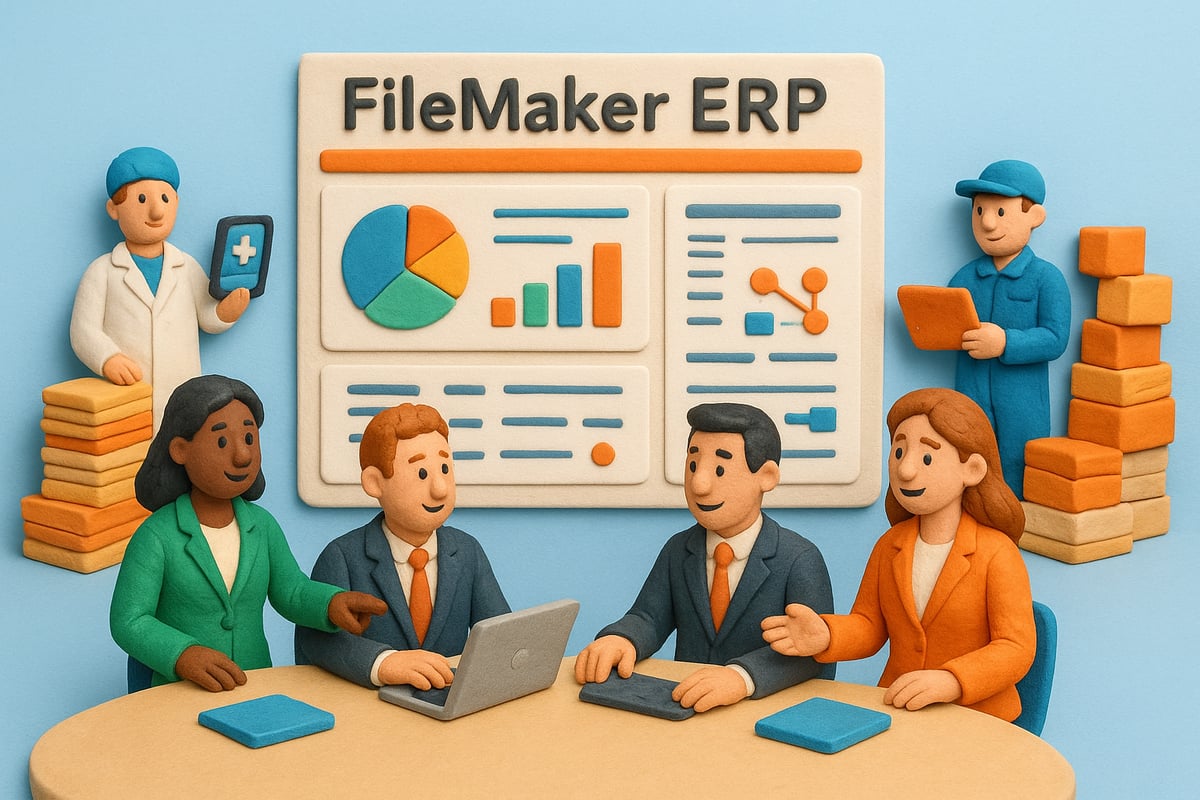
Enterprise Resource Planning (ERP) is the backbone of modern business management. ERP systems unify core processes like finance, inventory, sales, and HR into a single, cohesive platform. This integration helps organizations streamline workflows, eliminate data silos, and gain real-time visibility into operations. By centralizing information, filemaker erp ensures that decision-makers always have access to accurate data, boosting efficiency and reducing costly mistakes.
FileMaker as a Low-Code ERP Platform
FileMaker began as a versatile database tool, but its evolution into a modern low-code platform has been game-changing. Today, filemaker erp offers intuitive drag-and-drop customization, allowing businesses to build tailored solutions without deep coding expertise. This low-code approach means faster deployment, lower development costs, and the ability to quickly adapt as business needs change. Organizations benefit from agility, as filemaker erp can be updated or expanded in days rather than months.
FileMaker ERP vs. Traditional ERP Systems
How does filemaker erp stand apart from traditional off-the-shelf ERP solutions? Here’s a quick comparison:
| Feature | FileMaker ERP | Traditional ERP |
|---|---|---|
| Customization | High (low-code) | Limited / costly |
| Deployment Speed | Fast | Slow |
| Cost | Affordable | Expensive |
| Integration Flexibility | Extensive | Often rigid |
| User Experience | User-friendly | Complex |
With filemaker erp, businesses enjoy a user-centric, flexible alternative to rigid legacy systems.
2026 Trends and Industry Applications
The ERP landscape is rapidly evolving. In 2026, organizations are seeking solutions that are flexible, scalable, and deeply integrated with other technologies. Filemaker erp is at the forefront of this trend, offering seamless compatibility with APIs, AI-driven automation, and cloud hosting. Industries such as healthcare, manufacturing, and logistics are turning to filemaker erp for its ability to handle specialized workflows—think patient record management, production scheduling, or real-time shipment tracking.
Filemaker erp’s adaptability means it can serve small startups, midsize firms, and large enterprises alike. Its modular nature lets companies add or modify features as they grow, making it a future-proof investment.
Adoption Rates, Customization, and Scalability
Low-code ERP platforms are seeing massive growth, with adoption rates surging across sectors. According to recent ERP adoption rates by industry sector, businesses are prioritizing customizable, scalable systems that can evolve alongside their operations. Filemaker erp stands out by offering deep customization, multilingual support, and integration with existing tools—without the traditional headaches.
In summary, filemaker erp represents a new era of business management. With its flexibility, speed, and user-focused design, it’s helping organizations unlock efficiency and embrace digital transformation.
Essential Features of FileMaker ERP for Streamlined Business Operations
Unlocking the full potential of modern business means relying on tools that adapt, automate, and scale. That is where filemaker erp stands out. Let us explore the core features that make filemaker erp a game changer for streamlined business operations, no matter your industry or company size.
Centralized Data Management and Accessibility
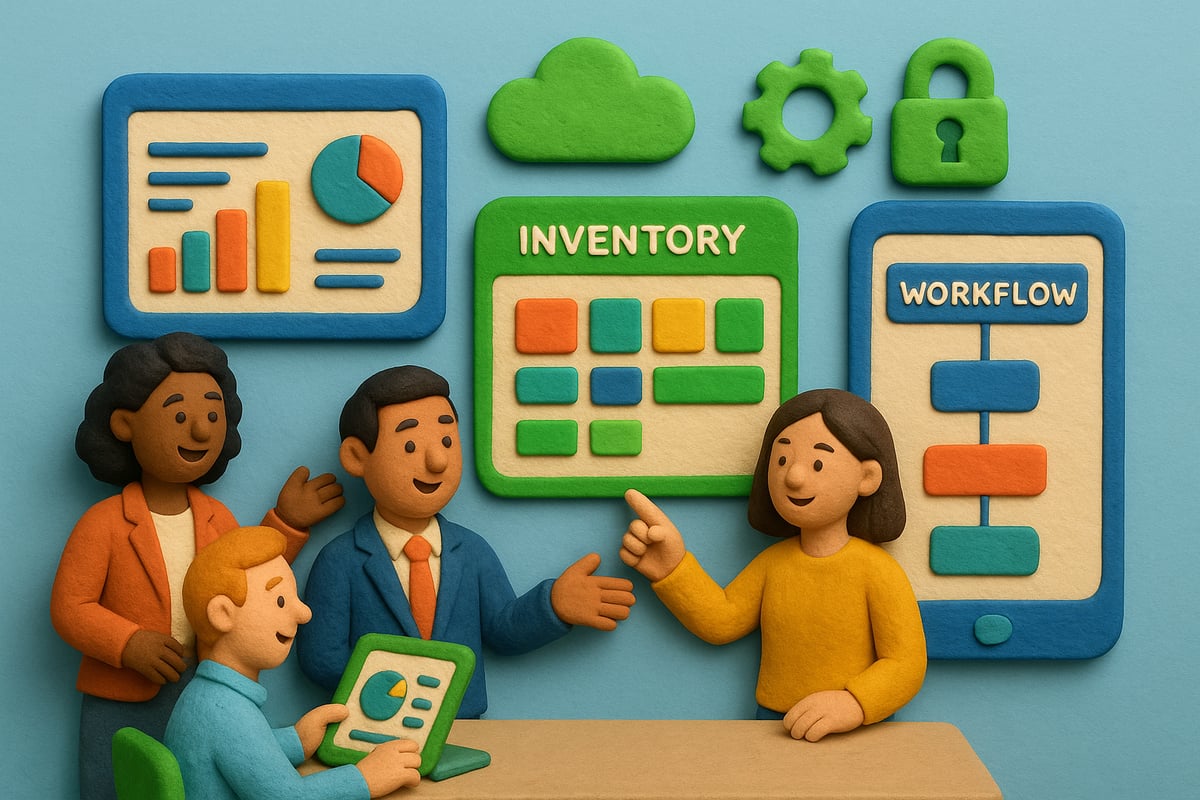
Filemaker erp delivers a unified data hub, allowing you to store and manage critical information for finance, inventory, HR, and more in one secure location. This centralization empowers teams with real-time data access, whether they are in the office or working remotely on any device.
Role-based permissions let you control who sees sensitive data, ensuring compliance and peace of mind. Healthcare organizations, for instance, use filemaker erp to manage patient records and medical inventory efficiently, keeping everything accessible but secure.
With integrated cloud hosting, your business enjoys robust data backup and instant recovery options, minimizing downtime risks. Studies show that companies using centralized platforms like filemaker erp report up to 30% faster decision-making and fewer data silos, boosting overall efficiency.
- Real-time, cross-departmental data access
- Secure, role-based controls
- Reliable cloud hosting and backup
By streamlining data management, filemaker erp sets a strong foundation for growth and collaboration.
Process Automation and Workflow Optimization
Automation is the heart of filemaker erp. It takes repetitive tasks off your plate, from order processing and invoicing to complex scheduling, freeing up valuable time for strategic work. Customizable workflows let you tailor filemaker erp to your exact needs, ensuring that every process fits your unique business model.
Trigger-based notifications keep everyone in the loop, alerting staff when key activities occur. Manufacturers, for example, rely on filemaker erp to automate production order creation and scheduling, reducing manual errors and cutting processing times.
- Automated task handling
- Custom workflows for any process
- Real-time alerts and notifications
Competitor case studies reveal that automating workflows with filemaker erp can drive productivity gains of up to 40% and sharply reduce costly mistakes. Imagine what your team could accomplish with those improvements.
Inventory, Sales, and Financial Management
Managing inventory, sales, and finances in real time is crucial for business success. Filemaker erp provides live inventory tracking, including multi-level Bill of Materials (BoM) management, so you always know what is available and when to reorder.
Seamless workflows allow you to handle sales orders, purchase orders, and fulfillment without juggling multiple systems. Integrated accounting and financial reporting modules give you a complete view of your business health.
Small businesses benefit from filemaker erp by managing stock, sales, and accounting all in one place. Automated stock alerts and easy reordering keep operations running smoothly.
| Feature | Benefit |
|---|---|
| Real-time inventory | Prevent stockouts |
| Integrated sales/orders | Faster fulfillment |
| Automated alerts | Reduced manual oversight |
Competitor examples show that filemaker erp users often see order fulfillment times improve by 25%, meaning happier customers and more repeat business.
Customization, Scalability, and User Experience
No two businesses are alike, and filemaker erp recognizes that. Its drag-and-drop interface lets you build custom modules and dashboards without coding expertise. As your business grows, filemaker erp scales alongside you, adapting to new demands and markets.
Multilingual support and localization mean global teams can use filemaker erp comfortably. Its user-friendly design ensures even non-technical staff can get up to speed quickly, reducing training time.
International companies often adapt filemaker erp for multiple regions, customizing workflows and language settings. User satisfaction soars, and resistance to change drops.
For organizations seeking tailored solutions, custom ERP and CRM solutions built on filemaker erp deliver deep customization and integration, empowering your team to work smarter and future-proofing your operations.
- Build custom dashboards easily
- Scale as your business evolves
- Support for multiple languages and regions
Filemaker erp makes advanced business management accessible, flexible, and ready to grow with you.
Industry-Specific Applications of FileMaker ERP
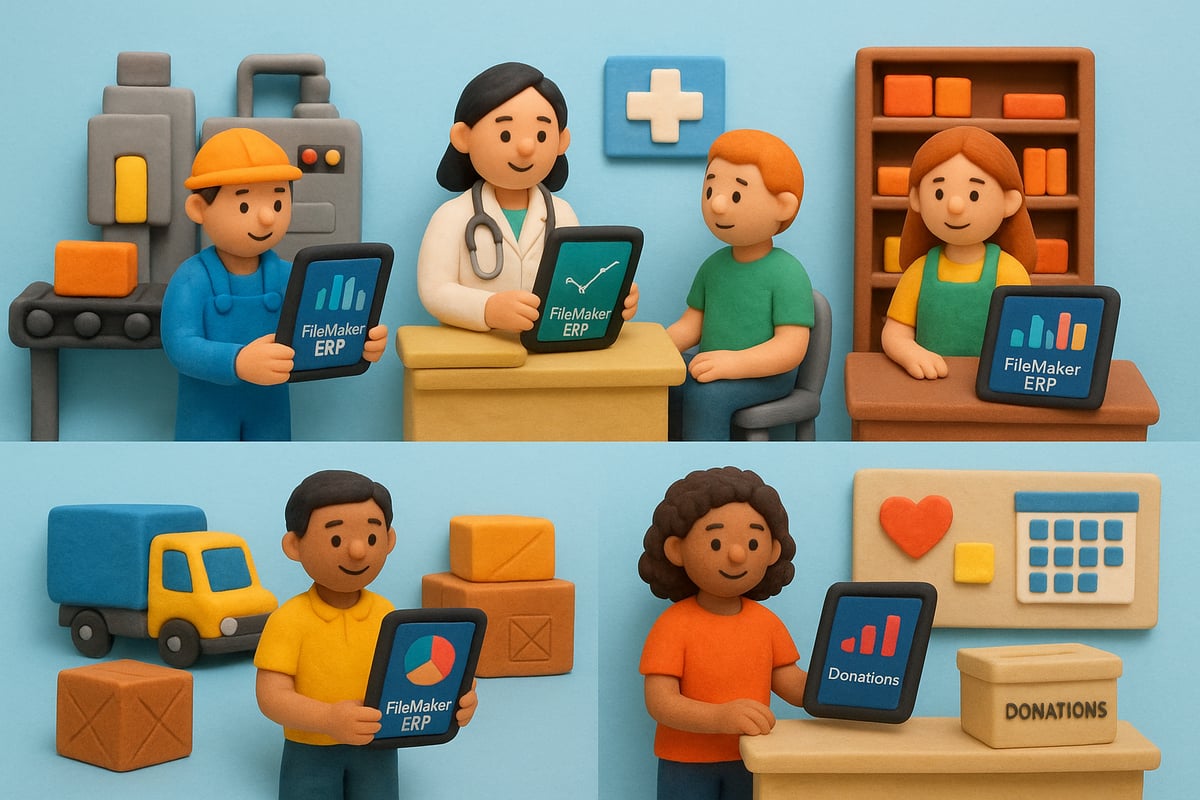
FileMaker ERP is not a one-size-fits-all solution. Its flexible architecture lets organizations across industries tailor business processes to unique demands, unlocking efficiency and competitive advantage. Let's explore how FileMaker ERP drives transformation in key sectors.
Manufacturing and Production Management
Manufacturers face constant pressure to boost productivity and minimize delays. FileMaker ERP empowers production teams with multi-level Bill of Materials management and seamless revision tracking. Automated production orders and scheduling tools ensure resources flow efficiently, while real-time dashboards keep every stage visible.
For example, a mid-sized electronics manufacturer used FileMaker ERP to automate order creation and track production status. This reduced bottlenecks and improved on-time delivery rates. By integrating inventory and scheduling, teams respond faster to changes, minimizing costly downtime.
Data from industry case studies shows that manufacturers using FileMaker ERP experience fewer production delays and more predictable workflows. This adaptability is why the platform is rapidly becoming the backbone of agile manufacturing operations.
Healthcare and Professional Services
In healthcare, accuracy and compliance are non-negotiable. FileMaker ERP offers secure patient record management, streamlined appointment scheduling, and automated billing. Built-in compliance features help clinics and service providers meet privacy regulations with ease.
A clinic leveraging FileMaker ERP unified patient data, inventory, and scheduling, simplifying care delivery. Automated workflows reduced administrative workload, letting staff focus on patients instead of paperwork.
Statistics from healthcare implementations reveal improved patient satisfaction and fewer administrative errors. With FileMaker ERP, practices can automate repetitive tasks and stay ahead of regulatory demands, ensuring quality care and operational excellence.
Retail, Inventory, and Point of Sale
Retailers need real-time visibility into inventory, sales, and customer relationships. FileMaker ERP delivers centralized product catalog management, integrated POS, and up-to-date inventory tracking across channels. Loyalty programs and CRM modules help nurture repeat business.
One retail chain unified in-store and online operations with FileMaker ERP, syncing inventory and sales data instantly. Staff accessed accurate stock levels and processed orders faster, reducing stockouts and improving customer experience.
Insights from the field show that FileMaker ERP increases sales accuracy and boosts customer retention. By streamlining retail workflows, businesses stay agile in a fast-paced market and keep customers coming back.
Logistics, Transportation, and Supply Chain
Logistics companies need tight control over shipments, orders, and supplier relationships. FileMaker ERP provides end-to-end shipment tracking, automated fulfillment, and supplier management. Integration with popular shipping APIs optimizes routes and cuts manual data entry.
A logistics provider used FileMaker ERP to automate order processing and link directly to shipping platforms. This slashed delivery times and reduced costly errors.
Competitor results demonstrate improved shipping efficiency and lower operational costs after implementing FileMaker ERP. The platform’s flexibility empowers logistics teams to adapt quickly and deliver better service to clients.
Nonprofit and Government Applications
Nonprofits and government agencies juggle complex data, compliance, and mission-critical communication. FileMaker ERP supports donor management, grant tracking, and secure reporting. Automated event management and communication tools free up staff for higher-impact work.
One nonprofit streamlined its fundraising and compliance reporting using FileMaker ERP, gaining deeper insights into donor engagement and outcomes.
Enhanced transparency and reporting accuracy are common benefits, as organizations leverage FileMaker ERP to manage sensitive data and demonstrate accountability. For more industry-specific examples and insights, visit the FileMaker ERP use cases resource hub.
Step-by-Step Guide to Implementing FileMaker ERP in 2026
Are you ready to transform your business with filemaker erp? This step-by-step guide will walk you through the essential stages for a successful implementation in 2026. By following these best practices, you’ll position your organization for operational efficiency, agility, and future growth.
Assessing Business Needs and Setting Objectives
Start your filemaker erp journey by clearly identifying your organization’s pain points and inefficiencies. Gather input from all departments to ensure you understand every workflow and challenge.
Engage key stakeholders early. Define measurable business goals, like reducing manual errors or speeding up order processing. Map out desired outcomes and set benchmarks for success. This collaborative approach builds buy-in and ensures everyone is aligned.
Companies that invest time in this step often avoid costly missteps later. By laying a strong foundation, you’ll set your filemaker erp project on the right path.
Planning and Customizing Your FileMaker ERP Solution
With your objectives set, decide whether to use pre-built templates or design a fully customized solution. Filemaker erp stands out for its flexibility, letting you match modules to your exact processes.
Sketch out user interfaces and workflows to maximize usability. Involve end users in the design phase to ensure the system fits real-world needs. Take advantage of low-code tools to speed up development.
If you’re new to the platform, reviewing the FileMaker database platform overview can help you understand its full capabilities. Customization is faster and more cost-effective than ever, so your filemaker erp can evolve as your business grows.
Data Migration and Integration
Preparing your data is a crucial step in filemaker erp implementation. Start by auditing and cleaning legacy data. This ensures only accurate, relevant information is transferred.
Plan integrations with existing software, such as accounting systems or CRMs. Thorough testing will catch inconsistencies before they become issues. After migration, verify that all data is consistent and accessible.
Many businesses, such as manufacturers, have seen dramatic results from careful migration and integration. For example, a manufacturing company reduced order processing time by 60% after overhauling their workflows with filemaker erp. Learning from these real-world successes can guide your own approach.
User Training and Change Management
A successful filemaker erp rollout depends on your team’s ability to adapt. Provide tailored training for each user role, addressing specific tasks and responsibilities.
Create feedback loops so users can share challenges and suggestions. Offer ongoing support to build confidence and reduce resistance. Recognize early adopters and highlight their wins to motivate others.
Organizations that prioritize user experience during filemaker erp implementation see faster adoption and greater satisfaction. Make change management a continuous process, not just a one-time event.
Testing, Deployment, and Continuous Improvement
Before going live, conduct thorough pilot tests. Gather user feedback and refine your filemaker erp system based on real-world use. Roll out the solution in phases to minimize disruption and ensure a smooth transition.
Set up monitoring tools and analytics to track performance and spot areas for improvement. Keep iterating—continuous optimization is key to long-term success.
By following these steps, your organization will unlock the full potential of filemaker erp, driving efficiency and digital transformation throughout 2026 and beyond.
Integrating FileMaker ERP with AI, APIs, and Emerging Technologies
The digital landscape is evolving rapidly, and filemaker erp is at the forefront of this transformation. Integrating advanced technologies like AI, APIs, and cloud capabilities enables businesses to unlock new levels of efficiency, insight, and security. Here’s how you can future-proof your operations and stay ahead of the competition.
Enhancing Automation with Artificial Intelligence
Artificial Intelligence is revolutionizing business automation, and filemaker erp is embracing this shift. By integrating AI, organizations can automate complex tasks such as document extraction, invoice processing, and predictive analytics. This means less manual data entry and more strategic decision-making.
For example, AI-driven demand forecasting helps manufacturers anticipate inventory needs, reducing stockouts and overages. Clinics can automate appointment reminders, boosting patient satisfaction and lowering no-shows.
Key benefits include:
- Faster processing of large data volumes
- Improved accuracy in predictions and insights
- Automated alerts for anomalies or trends
To dive deeper, explore this guide on API and AI integration with FileMaker for actionable strategies and technical examples.
API Integrations for Seamless Connectivity
Seamless API integration transforms filemaker erp from an isolated system into a connected business hub. By linking with third-party platforms like e-commerce sites, shipping providers, and CRMs, you eliminate data silos and manual double entry.
Consider logistics companies that connect filemaker erp with shipping APIs. This integration automates order updates, tracks shipments in real time, and streamlines customer notifications.
Advantages of API connectivity:
- Real-time data flow between systems
- Reduced manual errors and redundant tasks
- Faster onboarding of new software tools
With robust API support, filemaker erp adapts as your business grows, connecting to the latest apps and services for total operational visibility.
Leveraging Cloud and Mobile Capabilities
Modern business requires flexibility, and filemaker erp delivers with cloud hosting and mobile access. Hosting your ERP in the cloud ensures secure, remote access from any device, supporting hybrid and distributed teams.
Mobile capabilities empower field staff to update records, process orders, or access dashboards on the go. For service organizations, technicians can log work, capture signatures, and sync data instantly from job sites.
Benefits include:
- 24/7 access to critical data anywhere
- Scalable resources to match business growth
- Real-time updates and collaboration
This agility means your team stays productive, whether in the office, at home, or in the field.
Security, Compliance, and Data Privacy
Security is non-negotiable for filemaker erp users. The platform offers advanced role-based access control, ensuring only authorized users can view or modify sensitive data. End-to-end encryption protects information in transit and at rest.
Compliance features help businesses meet industry regulations like GDPR and HIPAA. Automated audit trails and detailed reporting provide transparency and accountability for every action.
Key security features:
- Customizable user permissions
- Automated compliance reporting
- Continuous monitoring for threats
With these measures, filemaker erp reduces the risk of breaches and helps organizations maintain trust with customers and partners.