Modernisation for business-critical
systems
Modernise the system your business cannot afford to replace
carelessly.
We improve legacy ERP systems,
FileMaker solutions and business databases in controlled stages —
preserving what works while preparing data, integrations and workflows
for what comes next.
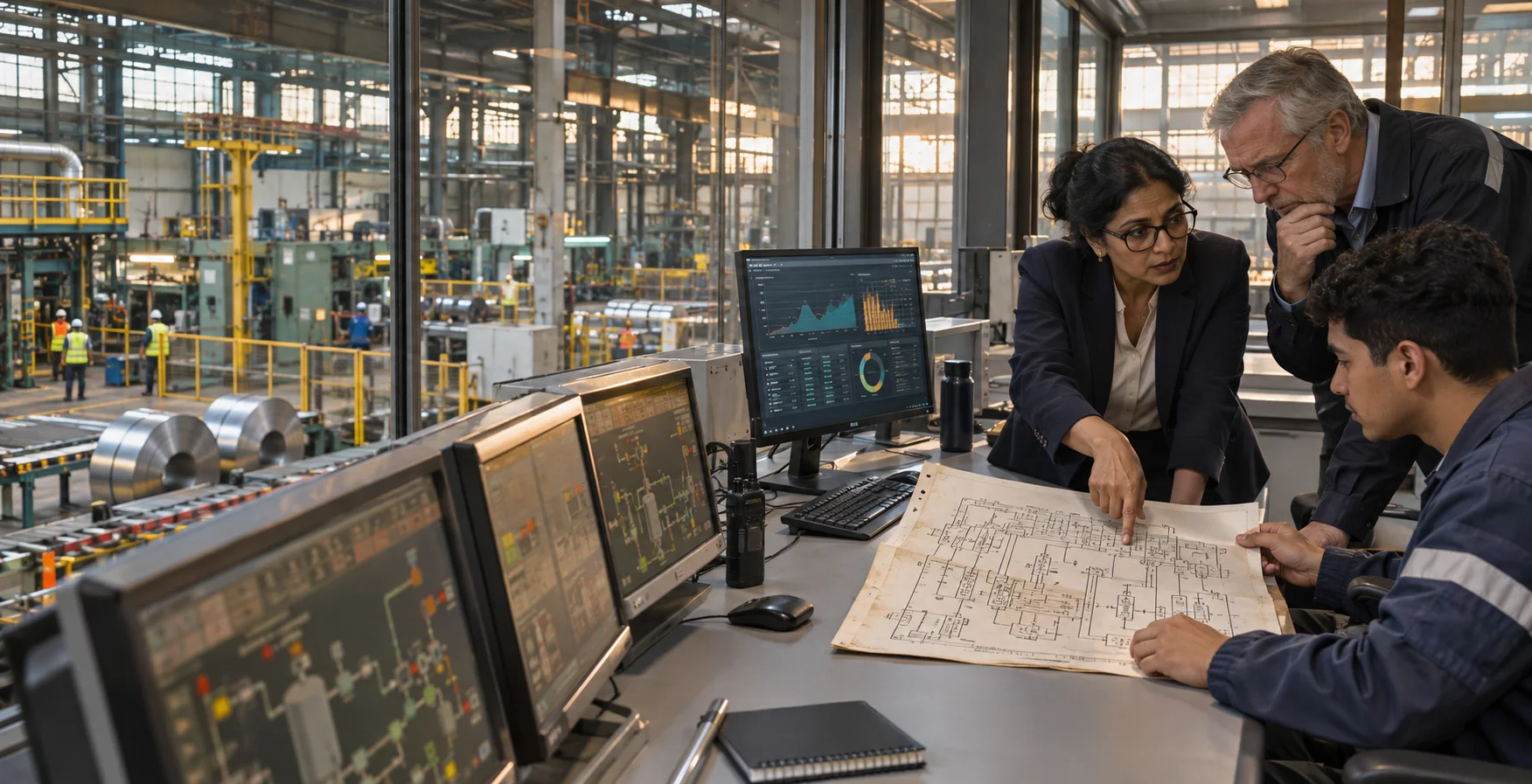
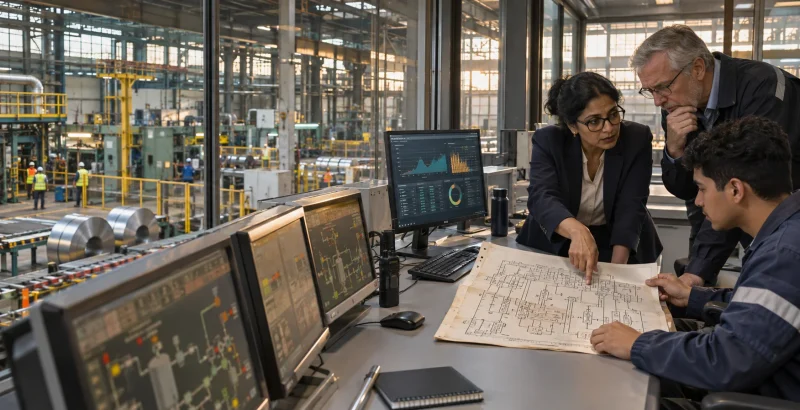
Legacy does not always mean obsolete.
An established business system often contains years of operational
knowledge, rules and data. Replacing it all at once can create more risk
than value.
Lolli Group modernises the parts that limit reliability, integration
and future development. We begin with the real system, identify what
should remain and improve it in manageable stages.
What modernisation means
Keep the operational core. Remove the constraints around it.
Modernisation can improve the structure, data, interfaces and
connections of an existing system without forcing the company into an
unnecessary full replacement.
The work depends on the current environment. It may involve
stabilising an existing application, reorganising data, replacing
fragile integrations, adding APIs or moving selected services to a more
maintainable architecture.
What we modernise
- Legacy ERP and management applications.
- Claris FileMaker solutions.
- SQL and other business databases.
- Manual data exchanges and repeated imports.
- Fragile scripts, integrations and scheduled processes.
- Document and email workflows.
- Reporting and operational dashboards.
- Connections between internal and external systems.
Common modernisation priorities
Reliability
Reduce avoidable failures, unclear dependencies and processes that
rely on one person knowing how the system works.
Data quality
Identify duplicated, incomplete or inconsistent information and
improve how data is created, validated and maintained.
Integration
Replace manual transfers and isolated applications with controlled
connections between ERP systems, databases and services.
Maintainability
Make the relevant parts of the solution easier to understand, test
and evolve without changing unrelated functions.
User workflow
Simplify repetitive steps and improve the path users follow to
complete important work.
Readiness for automation and AI
Prepare data, permissions and integration points before adding
automation or AI-assisted functions.
How we approach the work
1. Understand the current system
We review the application, data, integrations, users and operational
dependencies involved in the target process.
2. Separate what works from what creates risk
We identify the stable business logic that should remain and the
constraints that need to change.
3. Define a staged roadmap
We prioritise improvements by operational value, technical dependency
and implementation risk.
4. Modernise one controlled area at a time
We implement and verify each change without expanding the scope
unnecessarily.
5. Support the transition
We help users adopt the updated workflow and continue improving the
system as requirements evolve.
Modernisation without unnecessary replacement
Replace only when replacement is justified.
A complete migration may be the right decision when the current
platform cannot meet security, reliability or business requirements. It
should not be the automatic starting point.
We compare improvement, integration and replacement options against
the actual constraints of the system. The recommendation may be to
retain the current core, replace one component or plan a phased
migration.
Preparing business data for AI
AI depends on clear data and controlled access.
Before AI can support an ERP or database workflow, the relevant
information must be understandable, accessible and reliable enough for
the task.
Modernisation can establish the data structure, permissions, APIs and
validation required for a future AI integration. Where the foundation is
not ready, we recommend fixing it before building an AI feature.
Questions companies ask
Do we need to replace our current ERP?
Not necessarily. Many systems can be modernised in stages by
improving data, integrations, workflows and selected components while
the operational core remains in use.
Can an old FileMaker solution be modernised?
Yes, depending on its version, structure and hosting environment. The
first step is to identify the business-critical functions, technical
constraints and safest sequence of changes.
Can modernisation happen while the system remains operational?
Often, yes. A staged approach limits disruption by separating
changes, testing them and planning deployment around operational
requirements.
What should be modernised first?
Start with the area that creates the greatest operational risk or
repeated manual work. Dependencies, data quality and business impact
determine the correct order.
Does modernisation make AI integration easier?
Yes, when it improves data quality, permissions and access through
reliable APIs or integration layers. These foundations make an AI
function easier to control and maintain.
Why Lolli Group
We work with the system you already have.
Lolli Group combines deep FileMaker expertise with experience in ERP
systems, databases, APIs and process automation.
We focus on controlled improvement, clear technical boundaries and
the operational result. The objective is not to redesign everything, but
to make the important parts of the system more reliable, connected and
ready to evolve.
Start with the part of the system that creates the most risk or
manual work.
Tell us which ERP, FileMaker solution or database your business
relies on and what is becoming difficult to maintain.