In 2026, digital transformation is not just a trend, it's a necessity for organizations aiming to stay competitive. Choosing between the proven filemaker claris platforms can shape your business's future success.
This article gives you a clear, unbiased comparison to help you confidently select the right solution. We'll break down platform evolution, features, integration options, pricing, performance, and real-world examples.
The urgency to adapt is real. Understanding the differences and advantages of each platform will empower you to make a smart, informed decision for your business.
The Evolution of FileMaker and Claris: Understanding the Platforms
Choosing between FileMaker and Claris in 2026 means understanding how each platform has evolved. The filemaker claris journey reflects decades of innovation, adaptation, and a relentless focus on empowering businesses to build custom solutions. Let’s break down how these platforms reached their current state and what sets them apart.
Historical Overview and Brand Evolution
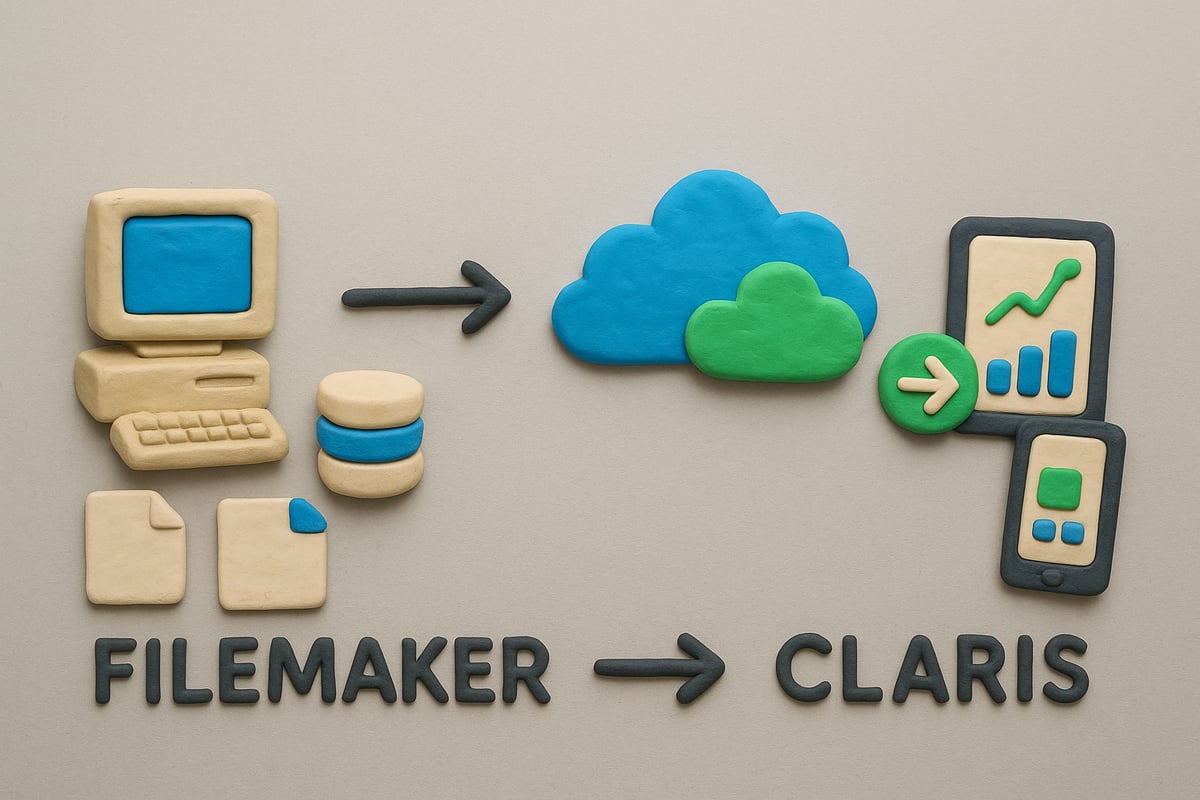
FileMaker’s story spans more than 30 years, with roots tracing back to the late 1980s. It quickly became a go-to platform for businesses needing flexible database solutions. Over the years, FileMaker Pro, FileMaker Server, and FileMaker Go created a family of tools that enabled companies to build custom apps for Mac, Windows, and iOS.
In 2019, the parent company behind FileMaker rebranded as Claris, signaling a new era. The filemaker claris transition accelerated with the introduction of Claris Connect (for workflow automation) and Claris Studio (for advanced analytics and web apps). The Claris Platform officially launched between 2022 and 2023, unifying these innovations under a single vision.
Claris’s strategy is clear: accelerate innovation and converge powerful tools. The S-curve of innovation illustrates this well. FileMaker, now mature and stable, supports countless businesses with proven reliability. Claris, on the other hand, is scaling fast, adding cloud-first features, AI integration, and modern automation.
Here’s a quick timeline of key milestones:
- 1985: FileMaker released
- 2005-2015: Expansion to mobile (Go), web (WebDirect), and APIs
- 2019: Claris rebrand
- 2022: Launch of Claris Connect and Claris Studio
- 2023: Full Claris Platform unification
Product names and features have expanded, reflecting a broader mission. Today, businesses must weigh the strengths of a mature filemaker claris platform against the promise of rapid innovation.
Platform Architecture and Ecosystem
Understanding the architecture of filemaker claris means comparing how each platform is structured and supported. FileMaker’s core includes Server, Pro, Go, WebDirect, and robust APIs. These components allow organizations to build, deploy, and manage custom apps on-premises or in the cloud.
The Claris Platform builds on this by introducing Claris Pro (the next generation of FileMaker Pro), Claris Server, Claris Go, Claris Studio, and Claris Connect. These tools are designed to work together, offering seamless experiences across desktop, mobile, and web.
Licensing models have also evolved. FileMaker traditionally offered standalone licenses for each product. Claris now offers bundled solutions, combining Pro, Connect, and Studio for a unified approach. This shift helps businesses streamline procurement and encourages adoption of new features.
Backward compatibility is a top concern for many. The filemaker claris platforms provide migration pathways, making it easier to move legacy solutions to modern environments without losing data or functionality.
Ecosystem support is one of the biggest strengths. The developer community is active, offering forums, templates, and third-party integrations. Official resources, like documentation and training, help teams maximize the value of their investment. For a deeper look at the evolving ecosystem and platform architecture, see this Claris software overview.
A simple comparison helps clarify the shift:
| Platform | Core Components | Licensing | Cloud Ready | Automation & Analytics |
|---|---|---|---|---|
| FileMaker | Pro, Server, Go, WebDirect, APIs | Standalone | Yes | Limited |
| Claris | Pro, Server, Go, Studio, Connect | Bundled | Advanced | Extensive |
The filemaker claris evolution is about more than just technology. It’s about giving businesses the agility to adapt, innovate, and thrive in a fast-changing world.
Feature Comparison: FileMaker vs. Claris in 2026
Choosing between filemaker claris platforms in 2026 means looking beyond brand names. It’s about selecting the right toolkit for your business’s evolving needs. Both platforms have matured, but their strengths and innovations differ, shaping how organizations build, connect, and secure their digital workflows.
Core Functionalities and User Experience
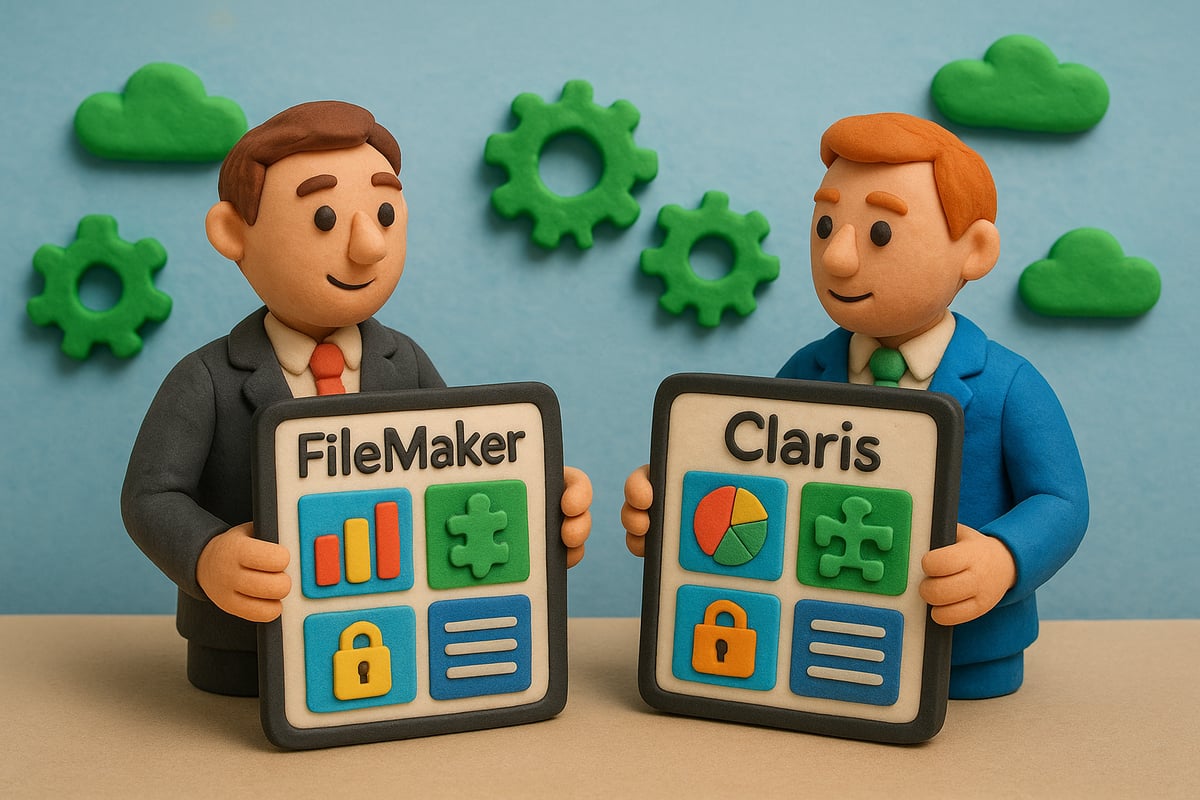
FileMaker Claris platforms have both embraced user-friendly design, but their approaches diverge. FileMaker continues to offer robust database creation, supporting tried-and-true drag-and-drop tools, custom layouts, and deep scripting. Claris, on the other hand, brings enhanced app development speed and modular templates, letting teams spin up solutions faster.
| Feature | FileMaker Platform | Claris Platform |
|---|---|---|
| Database Creation | Advanced, scriptable, flexible | Streamlined, template-driven |
| App Development | Drag-and-drop, scripting | Modular, rapid, cloud-first |
| Reporting/Analytics | Custom reports, charts | Claris Studio analytics |
| Multi-platform | Windows, Mac, iOS, WebDirect | Windows, Mac, iOS, web, Studio |
| UI/Accessibility | Mature, incremental improvements | Modernized, accessibility focus |
Recent releases have seen both platforms focus on accessibility, but Claris leans into modern UI standards, making apps easier to use across devices. For example, businesses managing inventory or projects can leverage FileMaker’s granular control, while Claris Studio provides advanced data analysis out of the box.
Want a deeper dive? The Claris vs. FileMaker Platform Comparison offers a thorough feature breakdown and migration insights for 2026.
Workflow examples showcase real strengths:
- Inventory tracking: FileMaker’s custom fields vs. Claris Studio’s live dashboards.
- Contact management: FileMaker’s legacy templates vs. Claris’s mobile-first designs.
- Project oversight: Both platforms excel, but Claris offers integrated analytics.
No matter your workflow, filemaker claris platforms are designed to deliver adaptable, business-ready solutions.
Integration and Automation Capabilities
Integration is where the filemaker claris ecosystem shines in 2026. FileMaker supports robust API connections, including OData and xDBC, making it easy to link with databases, reporting tools, and legacy systems. Claris takes integration further with Claris Connect, which automates workflows across hundreds of cloud services.
Claris Connect’s low-code approach means even non-developers can build automations:
- Trigger notifications in Slack or Teams when new records are added.
- Sync data with Salesforce, AWS, or the Office Suite.
- Automate complex approvals or document processing with AI-driven workflows.
Claris Studio and Connect support seamless API integrations, making it effortless to bridge data between on-premises and cloud apps. Automation enhancements, like improved scripting and AI suggestions, empower organizations to reduce manual work and eliminate bottlenecks.
Real-world scenarios illustrate the impact:
- A healthcare provider uses filemaker claris to push patient data securely to cloud analytics.
- Manufacturers automate order processing, reducing errors and speeding up fulfillment.
- Service companies integrate CRM data with marketing tools, improving customer engagement.
With filemaker claris, integration and automation become a strategic asset, not just a technical hurdle.
Security and Compliance
In 2026, security is a non-negotiable priority for filemaker claris users. Both platforms offer enterprise-grade authentication, user management, and encryption. FileMaker maintains a strong reputation for reliable backups and disaster recovery, while Claris introduces more frequent, agile security updates.
Compliance is front and center. FileMaker and Claris both support GDPR, HIPAA, and other industry standards, giving organizations peace of mind. Data is encrypted in transit and at rest, and administrators can enforce strong password policies and two-factor authentication.
Security features comparison:
- Authentication: Active Directory, OAuth, SSO.
- Encryption: SSL/TLS, AES-256.
- Backup: Automated schedules, point-in-time recovery.
- Compliance: Regular audits, patching, regulatory documentation.
Deployment case studies show filemaker claris in action:
- A hospital deploys secure EHR systems, meeting HIPAA requirements.
- Financial firms rely on Claris’s rapid patching to address emerging threats.
- Small businesses use built-in compliance tools to scale confidently.
The pace of security updates has accelerated, especially with Claris Studio and Connect, ensuring vulnerabilities are addressed swiftly. For organizations prioritizing data protection, filemaker claris platforms offer layered, comprehensive safeguards.
Performance, Scalability, and Cloud Readiness
Digital transformation in 2026 means organizations need platforms that keep up with business growth and technological change. Performance, scalability, and true cloud readiness are now non-negotiable, making the filemaker claris decision pivotal for future success.

Deployment Options and Infrastructure
When evaluating filemaker claris, deployment flexibility is a major advantage. Businesses can choose between traditional on-premises hosting, hybrid models, or full cloud deployments. FileMaker Server remains a trusted solution for organizations needing local control. Meanwhile, FileMaker Cloud and Claris Cloud unlock remote access, automatic updates, and robust security for distributed teams.
Here’s a quick comparison of deployment choices:
| Deployment Option | Control Level | Scalability | Maintenance | Cloud Ready |
|---|---|---|---|---|
| FileMaker Server | High | Moderate | Manual | No |
| FileMaker Cloud | Medium | High | Auto | Yes |
| Claris Cloud | Medium | High | Auto | Yes |
Performance benchmarks show that filemaker claris platforms deliver reliable uptime and fast response times, especially in cloud environments. For example, organizations using Claris Cloud have reported uptime exceeding 99.9%, even during peak usage. Load balancing and dynamic resource allocation further enhance server performance, reducing bottlenecks as teams grow.
Security and compliance are built into modern cloud deployments, offering enterprise-grade encryption and automated backups. Adopting Claris FileMaker Cloud 2025 Announcement ensures you benefit from the latest security enhancements and performance improvements, keeping your business data safe and accessible.
Digital modernization stories reveal how companies have moved legacy systems to filemaker claris cloud environments, enabling remote work, real-time collaboration, and seamless scalability. These cloud transformations set the stage for future-proof operations.
Update Cadence and Future-Proofing
One of the strongest differentiators between filemaker claris and legacy platforms is the pace of innovation. FileMaker traditionally releases major updates annually, delivering new features and security patches in predictable cycles. This approach offers stability for businesses with mission-critical systems.
Claris, on the other hand, adopts an agile update model. In 2025 alone, Claris Studio pushed 10 updates in just 200 days. This rapid cadence means that filemaker claris users can access new integrations, automation tools, and interface improvements faster, staying ahead of industry trends.
Looking at platform roadmaps, Claris is focused on unifying its ecosystem, integrating AI-driven insights, and expanding cloud-native capabilities. For organizations considering migration, the filemaker claris migration pathways are well-documented. You can transition at your own pace, running both legacy and new solutions side by side.
Early adopters of Claris often see immediate gains in automation and scalability. However, there can be risks if feature parity with FileMaker Pro is still in progress. Careful planning and consultation with certified partners help mitigate these risks, ensuring your investment is future-proof.
Choosing filemaker claris means investing in a platform that evolves with your business. Whether you prioritize stability or crave rapid innovation, understanding update cycles and cloud readiness will help you make a confident, strategic decision.
Pricing, Licensing, and Total Cost of Ownership
Choosing the right platform is not just about features, it is also about understanding the true costs and licensing options involved. In the world of filemaker claris, pricing models have evolved, offering new paths for businesses of all sizes.
Licensing Models and Bundles
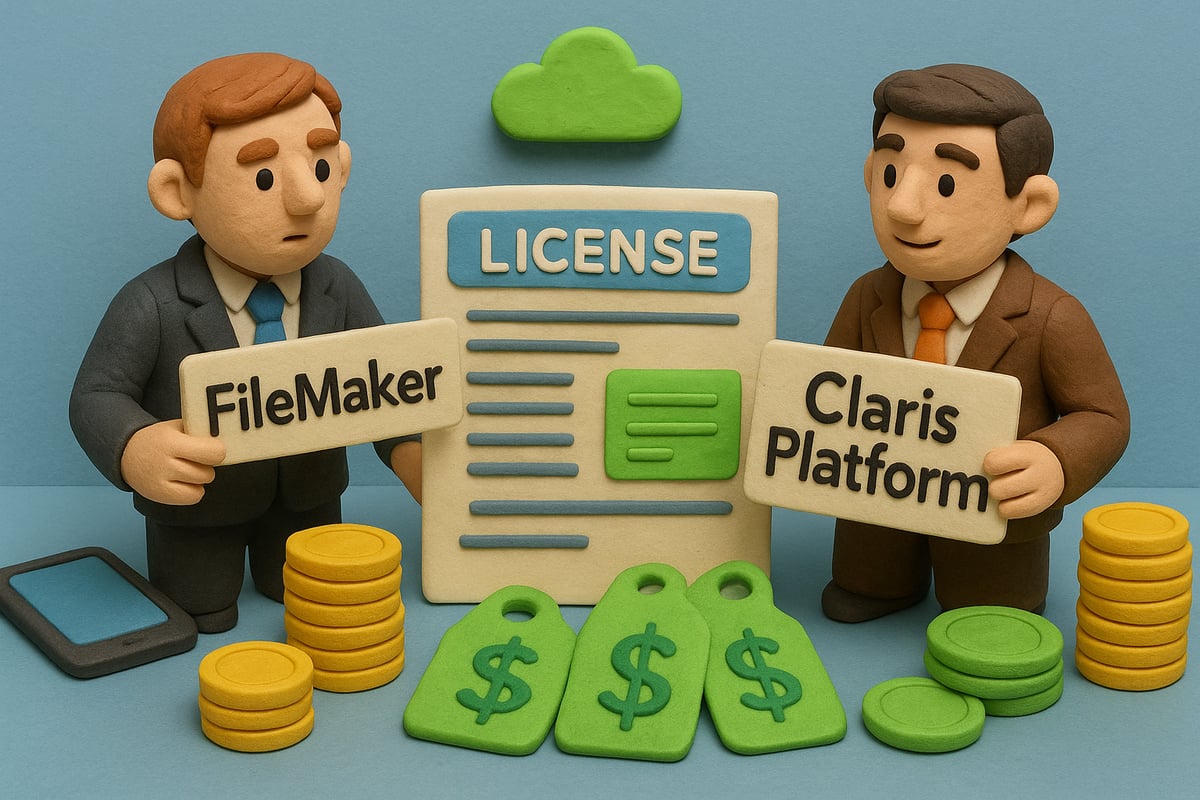
Licensing has always been a critical factor when comparing filemaker claris options. Traditionally, FileMaker offered standalone licensing for each product, such as FileMaker Pro and FileMaker Server. This model allowed organizations to scale at their own pace, paying only for the components they needed.
Today, the Claris Platform introduces bundled licensing. These bundles include Claris Pro, Claris Studio, Claris Connect, and Claris Server under a unified subscription. This approach simplifies procurement and ensures access to the full suite of innovation for a single price.
Here is a quick comparison:
| Feature | FileMaker (Standalone) | Claris (Bundled) |
|---|---|---|
| Licensing Type | Per product | All-in-one subscription |
| Key Components | Pro, Server, Go | Pro, Studio, Connect, Server |
| Flexibility | High | Moderate |
| Transition Support | Manual | Integrated migration |
| Target Audience | SMBs, legacy users | Growing, innovative teams |
Small businesses might find standalone licensing attractive for its flexibility and lower upfront cost. Enterprises and organizations seeking innovation often prefer the bundled approach for its seamless upgrades and integration.
Navigating licensing transitions can be complex. Working with a Claris partner expertise provider ensures compliance, cost efficiency, and smooth migration between filemaker claris models.
Total Cost of Ownership (TCO)
Understanding the total cost of filemaker claris means looking well beyond the sticker price. Upfront costs include software licensing, hardware, and initial setup. Ongoing costs cover cloud hosting, system maintenance, and technical support.
Training and support expenses can also impact TCO, especially for teams new to the Claris Platform. Investing in onboarding and education helps maximize ROI by reducing downtime and increasing productivity.
Consider these TCO factors:
- Upfront investment: Software licenses, infrastructure
- Recurring expenses: Cloud/server hosting, updates, support
- Training: Onboarding, skill development
- Productivity gains: Automation, integration, reduced manual processes
ROI often improves with the bundled Claris Platform, thanks to advanced automation and integration capabilities. Businesses leveraging filemaker claris for custom ERP or CRM solutions report long-term savings compared to fragmented legacy systems.
Staying informed about pricing trends and platform updates is crucial. As digital transformation accelerates, investing in the right filemaker claris model today can secure your business’s agility and growth for years to come.
Real-World Use Cases and Industry Applications
Organizations in 2026 are making strategic moves with filemaker claris, leveraging its strengths across multiple industries. From healthcare to manufacturing, these platforms are driving digital transformation at every level.
Success Stories and Deployment Scenarios
Healthcare providers are turning to filemaker claris for custom EHR systems, ensuring compliance and patient data security. Hospitals have rapidly deployed solutions for scheduling, billing, and secure record management. The flexibility of filemaker claris allows clinics to adapt workflows as regulations evolve.
Manufacturers use filemaker claris to streamline inventory tracking and automate workflows. Production lines benefit from real-time dashboards that monitor inventory, order status, and equipment maintenance. This results in fewer bottlenecks and improved operational efficiency.
In the services sector, businesses are building custom CRM and project management solutions. For example, consulting firms have adopted filemaker claris to manage client data, automate follow-ups, and generate custom reports. Many organizations rely on Custom ERP and CRM with FileMaker to design tailored systems that integrate seamlessly with existing business tools.
Migration stories are also common. Companies with legacy FileMaker systems are gradually adopting Claris Studio and Connect to unlock advanced analytics and cloud automation. This phased approach helps businesses minimize disruption while preparing for future growth with filemaker claris.
Platform Limitations and Workarounds
Despite its versatility, filemaker claris still has features exclusive to each platform. For example, some advanced reporting tools remain only in traditional FileMaker, while next-gen analytics are unique to Claris Studio. Integration with certain legacy systems can be challenging, especially when migrating older solutions.
Scalability can also be a hurdle for organizations with complex deployments. Some users report limitations in handling extremely large datasets or high concurrency, though regular updates are addressing these gaps. Community forums and third-party add-ons play a crucial role in overcoming such challenges.
Common workarounds include using APIs for integration, leveraging cloud connectors, and adopting modular design patterns. User reviews consistently highlight the active developer community as a major asset for troubleshooting and extending filemaker claris functionality. Ultimately, the platform continues to evolve, closing gaps and supporting industry-specific needs.
How to Choose: Key Decision Criteria for 2026
Choosing between filemaker claris platforms in 2026 is a strategic decision that can define your organization’s digital future. To make the best choice, evaluate your business needs, technology roadmap, and readiness for innovation.
Assessing Business Needs and Priorities
Start by mapping your current priorities. If your business relies on established workflows, legacy systems, or has invested heavily in custom FileMaker solutions, stability and backward compatibility may be your top concerns. FileMaker remains a robust choice for organizations that value proven reliability and seamless integration with existing infrastructure.
On the other hand, if your goals include rapid innovation, automation, and leveraging the latest in cloud technology, Claris may be your best fit. The platform’s growth is fueled by frequent feature releases, native cloud capabilities, and flexible automation tools. As the Claris Platform Unification in 2025 demonstrates, Claris now offers a unified ecosystem where Studio, Connect, and Pro work seamlessly together.
To simplify your decision, use the checklist below:
| Criteria | FileMaker | Claris |
|---|---|---|
| Stability | ✔️ | Good, Rapid Growth |
| Legacy Support | ✔️ | Partial |
| Innovation Pace | Moderate | ✔️ |
| Cloud Readiness | Partial | ✔️ |
| Automation | Scripting | AI/Connect-Driven |
| Integration | APIs/OData | Studio/Connect |
Evaluate where your organization stands in terms of scalability, integration needs, security requirements, cost constraints, and support expectations. The filemaker claris decision should be driven by a balance of current demands and future ambitions.
Migration Planning and Industry Trends
If you are considering a transition, plan for a gradual migration. Start with a pilot project in Claris Studio or Connect, while retaining core operations in FileMaker. This approach reduces disruption and enables staff to adapt to new workflows. Document your legacy processes, identify critical integrations, and set clear milestones for each phase.
Current industry trends favor platforms that enable digital transformation, cloud adoption, and AI-driven automation. The latest Claris FileMaker 2025 AI Integration update brings advanced AI features into the filemaker claris ecosystem, streamlining data processing and boosting productivity.
As you weigh your options, consider the long-term support and innovation roadmap. Choosing filemaker claris is not just about features today, but about staying competitive as technology evolves. Engage stakeholders, review your IT strategy, and seek expert guidance if needed. With careful planning, your business can thrive on the platform that aligns best with your goals.