Moving critical business data from one FileMaker system to another requires precision, planning, and expertise. Whether you're upgrading to a newer version, restructuring your database architecture, or consolidating multiple systems into a unified platform, filemaker data migration is a pivotal moment in your company's digital transformation. The process demands careful attention to data integrity, business continuity, and system performance-mistakes can cost you time, money, and potentially irreplaceable information.
Understanding FileMaker Data Migration Fundamentals
FileMaker data migration encompasses the complete process of transferring data structures, records, relationships, and business logic from one FileMaker environment to another. This isn't simply copying files from one folder to another. You're orchestrating a complex movement of interconnected information while preserving relationships, calculated fields, and the intricate logic that powers your operations.
The migration process typically involves several critical components:
- Schema mapping between source and target systems
- Data validation and cleansing procedures
- Relationship preservation across tables
- Script and calculation verification
- User access and security replication
- Integration endpoint reconfiguration
Modern filemaker data migration demands attention to API integrations, external data sources, and cloud-based workflows that didn't exist in legacy systems. Your migration strategy must account for these technological layers while maintaining backward compatibility where necessary.
Why Organizations Pursue FileMaker Migrations
Companies initiate data migrations for numerous strategic reasons. Platform modernization drives many projects-legacy FileMaker systems built in older versions require updating to leverage new features, security enhancements, and cloud capabilities. Businesses also migrate when consolidating multiple databases into unified custom ERP systems that provide comprehensive operational visibility.
Architectural improvements represent another compelling motivation. The separation of data and interface layers enables more flexible development cycles, simplified maintenance, and enhanced scalability. When your user interface exists independently from your data structure, you can redesign workflows without risking data integrity.
Compliance requirements frequently trigger migration projects. Regulations around data residency, encryption standards, and audit trails evolve constantly. Organizations migrate to ensure their FileMaker environments meet current legal and industry standards.
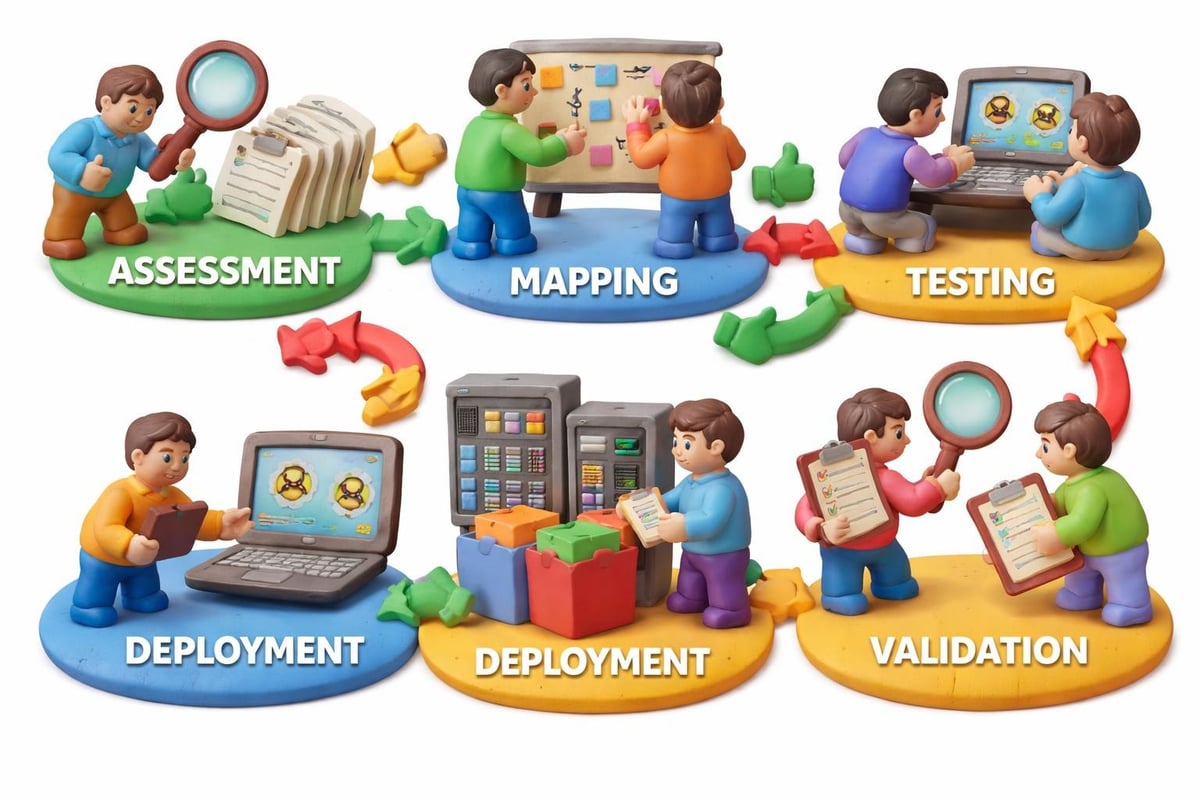
Essential Tools for FileMaker Data Migration
The FileMaker ecosystem offers multiple approaches to data migration, each suited to different scenarios and technical requirements. Your tool selection depends on migration complexity, data volume, customization needs, and timeline constraints.
Native FileMaker Data Migration Tool
The official FileMaker Data Migration Tool represents the most direct approach for moving data between FileMaker files. This command-line utility excels at transferring records while preserving relationships and data types. It requires creating a clone of your target file (schema without data), then mapping and migrating records from your source.
The tool follows specific matching rules to align data between tables, which you must understand thoroughly before execution. Field names, types, and table occurrences all influence how the tool processes your migration.
Key advantages of the native tool include:
- Direct support from Claris
- Preservation of FileMaker-specific data types
- Efficient handling of large datasets
- Zero licensing costs beyond FileMaker itself
Third-Party Migration Solutions
Several specialized tools extend beyond native capabilities. The FM Data Migration Companion automates command generation for the FileMaker Data Migration Tool, reducing manual configuration and potential errors. This automation proves invaluable when migrating multiple tables or running repeated test migrations.
FMDataMigration provides an open-source alternative that streamlines command-line operations through a more accessible interface. For organizations moving beyond the FileMaker ecosystem entirely, FmPro Migrator facilitates transitions to SQL databases while preserving data structures and relationships.
| Migration Tool | Best For | Complexity Level | Cost Structure |
|---|---|---|---|
| Native FileMaker DMT | Same-platform migrations | Medium | Included with FileMaker |
| FM Data Migration Companion | Automated command generation | Low | Free/Donation |
| FMDataMigration | Simplified DMT workflows | Low-Medium | Open source |
| FmPro Migrator | FileMaker to SQL transitions | High | Commercial license |
Planning Your FileMaker Data Migration Strategy
Successful filemaker data migration begins long before you execute any commands or transfer any records. Strategic planning determines whether your migration delivers seamless continuity or creates operational disruptions that ripple through your organization for months.
Comprehensive Assessment Phase
Start by documenting your current environment completely. Inventory every table, relationship, script, layout, and external integration. Identify calculated fields, summary fields, and complex relationships that require special handling. Map user groups, privilege sets, and access patterns to ensure security models transfer correctly.
Your assessment should answer these critical questions:
- What data requires migration versus archival?
- Which integrations must remain functional immediately?
- Where does data quality need improvement before migration?
- What downtime windows does your business allow?
- How will you validate migration success?
Data profiling reveals inconsistencies, duplicates, and quality issues that should be resolved before migration. Cleansing data in your legacy system proves far easier than debugging issues after migration when you're working under production pressure.
Architecture Design Decisions
Modern FileMaker development favors separating data files from interface files. This architectural pattern, which FileMaker consulting experts increasingly recommend, simplifies future migrations and enables interface updates without data disruption. If your migration involves architectural changes, design your target structure to support long-term scalability.
Consider how external data sources integrate with your FileMaker solution. The best practices for managing data sources emphasize maintaining FileMaker Pro as the authoritative source while enabling appropriate external connections. Your migration strategy should preserve these relationships while potentially upgrading connection methods to more secure or efficient protocols.
When building custom ERP systems that span multiple business functions, your migration might consolidate previously separate databases. Lolli Group frequently designs unified platforms that bring together operations, customer relationships, and financial management-migrations supporting this consolidation require careful relationship mapping and potential data model standardization.
Executing FileMaker Data Migration Safely
With planning complete and tools selected, execution requires methodical progression through testing, validation, and deployment phases. Rushing this stage or skipping validation steps creates risks that far outweigh any time saved.
Creating Your Migration Environment
Establish dedicated environments for development, testing, and production. Never perform your first migration attempt against production data or systems. Clone your production environment to create a safe testing ground where failures cause no operational impact.
The detailed migration procedure involves creating a clone of your target file, which contains the schema but no records. This clone serves as the destination for migrated data. Generate migration commands based on your field mappings, then execute the migration while logging all operations for later review.
Migration execution checklist:
- Backup all source data with verified restore capability
- Create target file clone with updated schema
- Document field mappings between source and target
- Generate migration commands with logging enabled
- Execute migration in test environment first
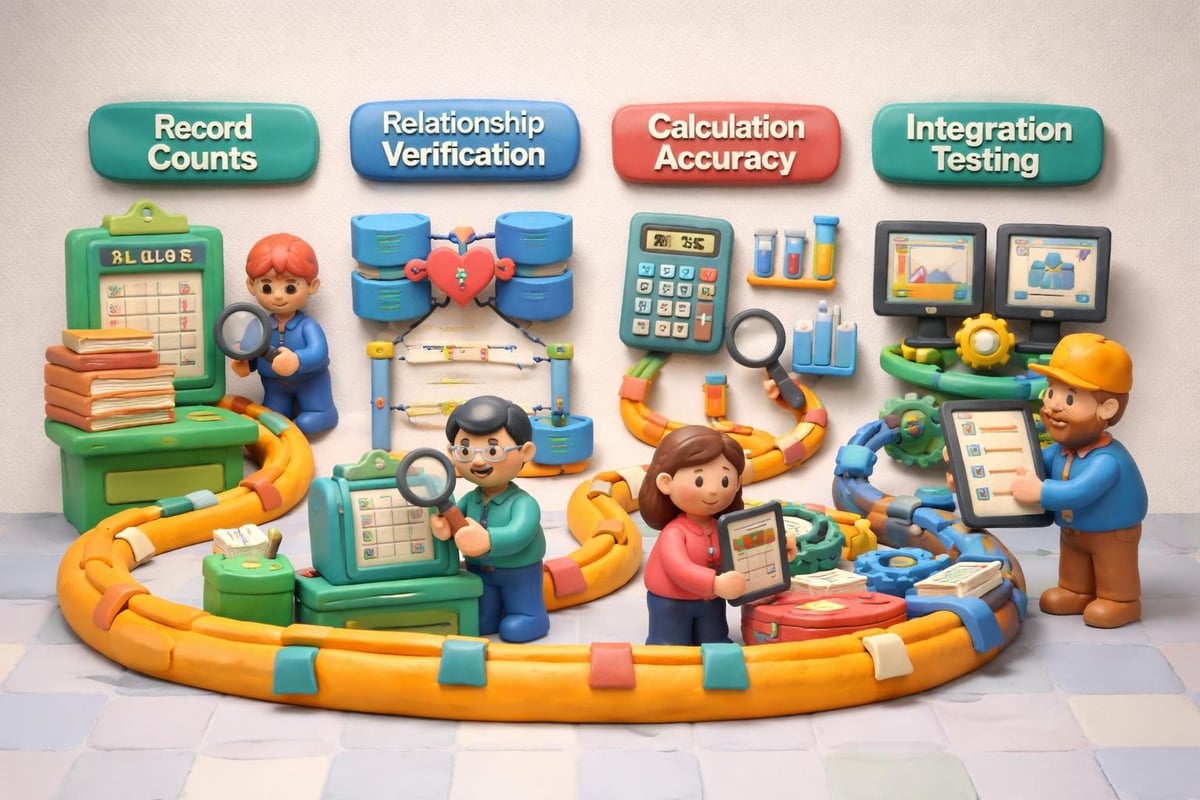
- Validate record counts, relationships, and calculations
- Test critical business workflows end-to-end
- Document any discrepancies or issues discovered
Validation and Testing Protocols
Record count verification represents the most basic validation-ensure every record migrated successfully. But comprehensive testing goes far deeper. Verify that relationships between tables function correctly, calculated fields produce expected results, and scripts execute without errors.
Test your integrations thoroughly. API connections to external systems must reconnect properly, authentication credentials need updating, and data flows require verification in both directions. For businesses operating complex systems like inventory management solutions, integration testing prevents stocktake disruptions and order processing failures.
User acceptance testing involves key stakeholders performing actual business tasks in the migrated environment. Have your sales team create quotes, operations staff process orders, and finance users generate reports. Real-world workflows reveal issues that purely technical testing might miss.
Managing Complex Migration Scenarios
Standard table-to-table migrations represent the simplest scenario. Real-world projects frequently involve complications that demand specialized approaches and creative problem-solving.
Handling Schema Changes During Migration
When your target schema differs substantially from your source-renamed fields, restructured relationships, normalized tables-simple mapping becomes insufficient. You might need intermediate transformation steps where data loads into temporary structures before final placement.
The Claris FileMaker Upgrade Tool complements data migration by applying schema, layout, and script changes to FileMaker files. Used strategically, it can help bridge architectural gaps between legacy and modern designs.
Consider multi-phase migrations for extreme transformations. Phase one might migrate data with minimal changes, establishing the new platform while maintaining familiar workflows. Subsequent phases then introduce architectural improvements, new features, and enhanced integrations incrementally. This approach reduces risk while delivering continuous value.
Multi-System Consolidation Projects
Consolidating multiple FileMaker systems into a unified platform presents unique challenges. Different databases might use inconsistent terminology, duplicate certain entities, or model the same business concepts differently. Harmonizing these variations requires careful data mapping and potentially master data management strategies.
Address these consolidation challenges systematically:
- Establish canonical data models that all sources map into
- Create unique identifiers that prevent duplicate records
- Resolve conflicting data when multiple sources claim authority
- Preserve audit trails showing data origin and transformation
- Design user interfaces that accommodate varied workflows
For organizations managing diverse operations, platforms like Neovara Operations Center demonstrate how unified systems eliminate data silos while supporting varied workflows across transport, quotes, orders, CRM, assets, and field service. When migrating to such comprehensive platforms, mapping legacy FileMaker data into appropriate operational modules requires understanding both technical structures and business processes.
Minimizing Business Disruption During Migration
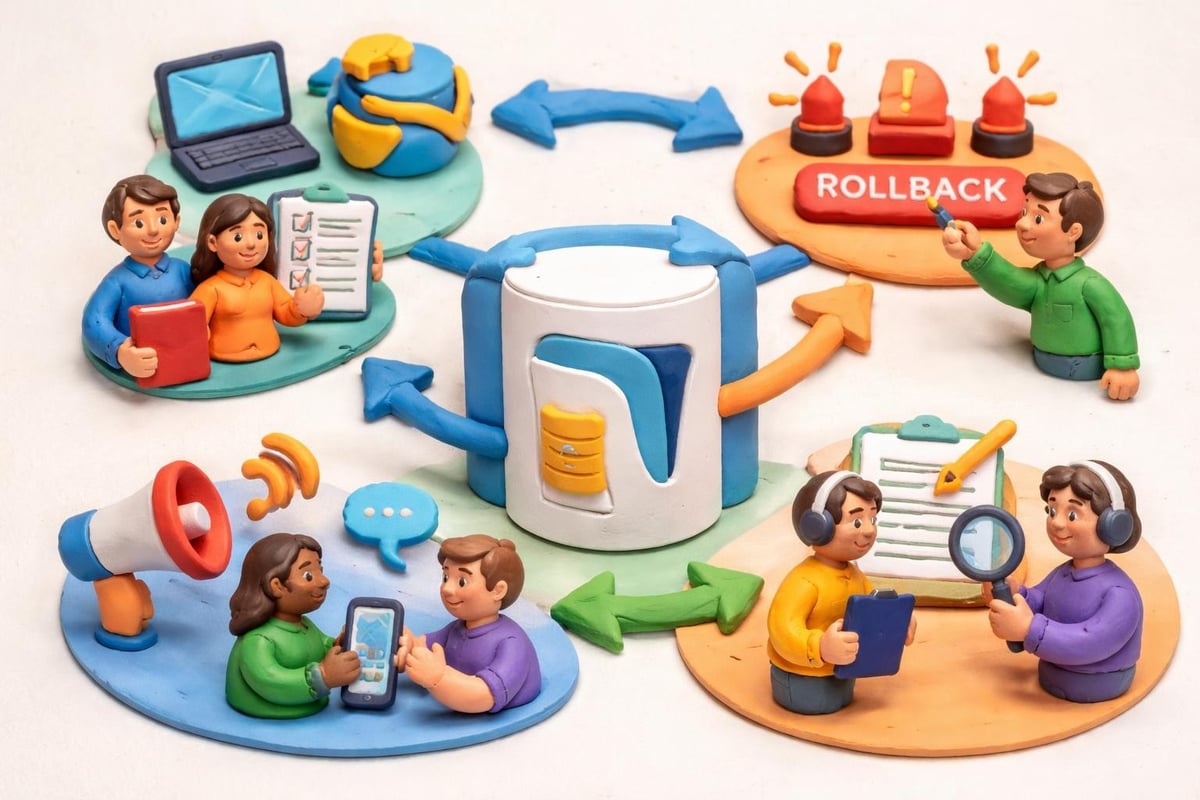
Even perfectly executed filemaker data migration creates operational risk. Your strategy must minimize downtime, maintain business continuity, and provide rapid recovery options if issues emerge.
Phased Rollout Strategies
Instead of switching everything simultaneously, consider phased deployments. Migrate non-critical systems first, building confidence and refining procedures before tackling mission-critical databases. Run parallel systems temporarily, allowing users to verify new platform functionality while maintaining access to familiar tools.
Pilot programs with selected user groups identify interface confusion, training needs, and workflow gaps before company-wide deployment. Early adopters become internal champions who support broader rollout and provide peer assistance during transition periods.
| Rollout Approach | Advantages | Disadvantages | Best Suited For |
|---|---|---|---|
| Big Bang | Single transition, no parallel operations | High risk, maximum disruption | Small databases, simple migrations |
| Phased by Function | Spreads risk, allows learning | Complex coordination, longer timeline | Large organizations, multiple departments |
| Parallel Operation | Zero downtime, extensive testing | Resource intensive, potential confusion | Critical systems, risk-averse organizations |
| Pilot Program | User feedback, controlled risk | Slower overall deployment | Complex interfaces, significant workflow changes |
Communication and Training Plans
Users need clear communication about what's changing, when it occurs, and how it affects their work. Explain benefits they'll experience, not just technical improvements. Training should begin before migration, covering both system changes and transition procedures.
Create reference materials that users can consult independently-quick start guides, video tutorials, and FAQ documents reduce support burden and accelerate adoption. Establish clear support channels for migration-related questions, ensuring users know where to get help when they encounter unfamiliar situations.
Post-Migration Optimization and Monitoring
Migration completion doesn't end the project. Post-deployment monitoring, optimization, and refinement ensure you realize the full value of your modernized platform.
Performance Tuning and Refinement
Monitor system performance metrics closely during the first weeks. Response times, script execution duration, and search performance may differ from your legacy system. Indexing strategies, calculation optimization, and relationship design might need adjustment based on actual usage patterns.
User feedback reveals interface friction points, workflow inefficiencies, and missing functionality that testing didn't uncover. Prioritize refinements based on impact and frequency-fixing issues that affect daily operations for many users delivers more value than perfecting edge cases.
Review your integration points systematically. API calls that worked in testing might behave differently under production load. External systems might require connection pool adjustments, timeout modifications, or error handling improvements.
Continuous Improvement Cycles
Establish regular review sessions with stakeholders to assess how the migrated system supports business objectives. Are reporting capabilities meeting management needs? Do operational workflows align with actual processes? What additional automation opportunities have emerged?
Your filemaker data migration created a foundation for ongoing enhancement. Modern FileMaker platforms support iterative development where you continuously refine and extend functionality based on evolving business needs. This flexibility represents a core advantage of custom ERP and CRM solutions over rigid packaged software.
Strategic filemaker data migration transforms legacy systems into modern platforms that drive business growth and operational efficiency. By combining thorough planning, appropriate tools, comprehensive testing, and phased deployment, you minimize risk while maximizing the value of your FileMaker investment. Lolli Group specializes in designing and executing complex FileMaker migrations within custom ERP and CRM environments, leveraging decades of experience to ensure your data moves safely while your business continues operating seamlessly. Contact our team to discuss how we can support your migration journey with expertise, proven methodologies, and unwavering commitment to your success.