Custom business software demands more than out-of-the-box functionality. When your organization outgrows standard features, filemaker plugin development becomes the strategic path forward. Whether you're building sophisticated ERP systems, complex CRM workflows, or industry-specific solutions, plugins unlock native platform capabilities that transform FileMaker into a powerhouse application. This comprehensive guide reveals proven strategies for developing plugins that enhance your custom software with advanced integrations, performance optimizations, and specialized features that drive competitive advantage.
Understanding the Strategic Value of Custom Plugins
FileMaker's extensibility through plugins represents a critical differentiator for businesses requiring specialized functionality. While the platform offers robust native features, certain requirements demand direct access to operating system resources, third-party libraries, or performance-critical operations.
Custom plugins deliver measurable business value through:
- Direct access to native APIs and system-level functions
- Integration with specialized hardware like barcode scanners and RFID readers
- Performance optimization for computationally intensive operations
- Proprietary algorithm implementation without exposing source code
- Seamless connection to external databases and legacy systems
Organizations investing in custom ERP and CRM solutions frequently discover that plugins solve challenges impossible to address through calculations or scripts alone. A manufacturing company might need real-time machine integration. A healthcare provider could require HIPAA-compliant encryption beyond standard FileMaker security. These scenarios demand the precision and power that filemaker plugin development provides.
When Plugins Make Business Sense
Strategic decision-making separates successful plugin projects from wasted development resources. Not every customization requirement justifies plugin development. Scripts, custom functions, and calculations handle most business logic efficiently.
Consider plugins when facing these specific scenarios:
- Performance bottlenecks in data processing that scripts cannot optimize
- Hardware integration requiring direct device communication
- Security requirements demanding encryption or authentication methods unavailable natively
- Third-party library access for specialized functionality like PDF manipulation or image processing
- Cross-platform compatibility where native FileMaker features behave inconsistently
The official Claris documentation on creating custom plug-ins provides foundational guidance for developers assessing technical feasibility. Understanding these parameters ensures your development investment delivers quantifiable returns.
Technical Foundations for Plugin Development
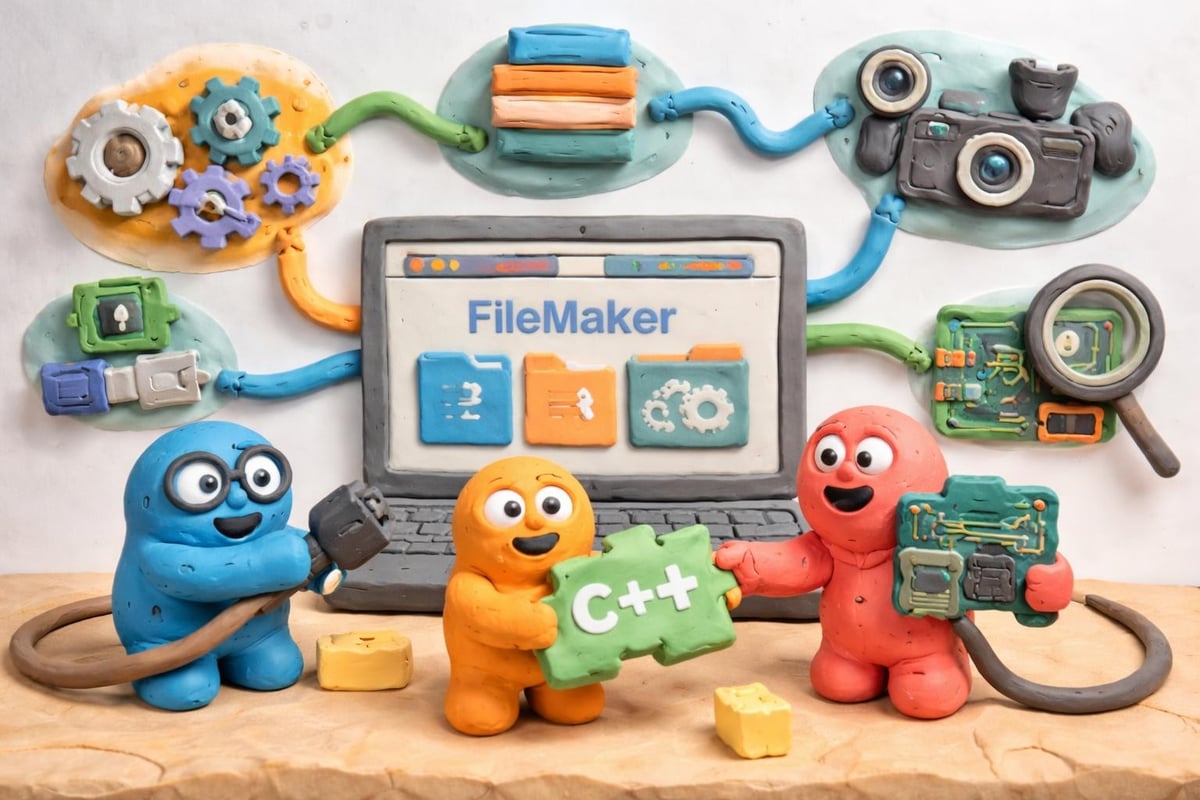
FileMaker plugin development primarily leverages C or C++ programming languages, requiring developers to master both FileMaker's architecture and systems programming. This dual expertise separates casual developers from professionals capable of building production-ready solutions.
The FileMaker Plugin SDK provides essential tools and documentation. This software development kit includes header files, sample code, and specifications defining how plugins communicate with the FileMaker engine. Developers familiar with object-oriented programming and memory management will find the learning curve manageable, though the domain knowledge specific to FileMaker requires dedicated study.
Essential Development Tools and Environment
| Tool Category | Required Resources | Purpose |
|---|---|---|
| Compiler | Xcode (macOS), Visual Studio (Windows) | Building native binaries |
| SDK | FileMaker Plugin SDK | API specifications and headers |
| Testing | FileMaker Pro Advanced | Plugin integration testing |
| Documentation | Claris developer resources | Technical reference materials |
Your development environment must support compilation for both macOS and Windows platforms. Cross-platform plugins require careful attention to platform-specific code paths, memory management differences, and file system variations. Testing on both operating systems throughout development prevents deployment surprises.
Modern custom solutions often combine traditional C++ plugins with alternative approaches. ScriptMaster from 360Works offers a compelling middle ground, enabling custom function creation using Groovy or Java without full C++ plugin development. This approach suits organizations with Java developers but limited C++ expertise.
Alternative Approaches: ScriptMaster and Rapid Development
Not every organization possesses C++ development resources. ScriptMaster revolutionizes filemaker plugin development by enabling custom functions through Java or Groovy, dramatically lowering the technical barrier while maintaining powerful extensibility.
ScriptMaster advantages include:
- Familiar Java syntax for developers without C++ experience
- Rapid prototyping and iterative development cycles
- Access to extensive Java libraries and frameworks
- Reduced compilation complexity across platforms
- Lower maintenance overhead compared to compiled plugins
This approach particularly benefits organizations building custom ERP systems requiring specialized calculations, data transformations, or API integrations. A distribution company might implement complex inventory algorithms through ScriptMaster functions that execute faster than native calculations while remaining maintainable by existing development teams.
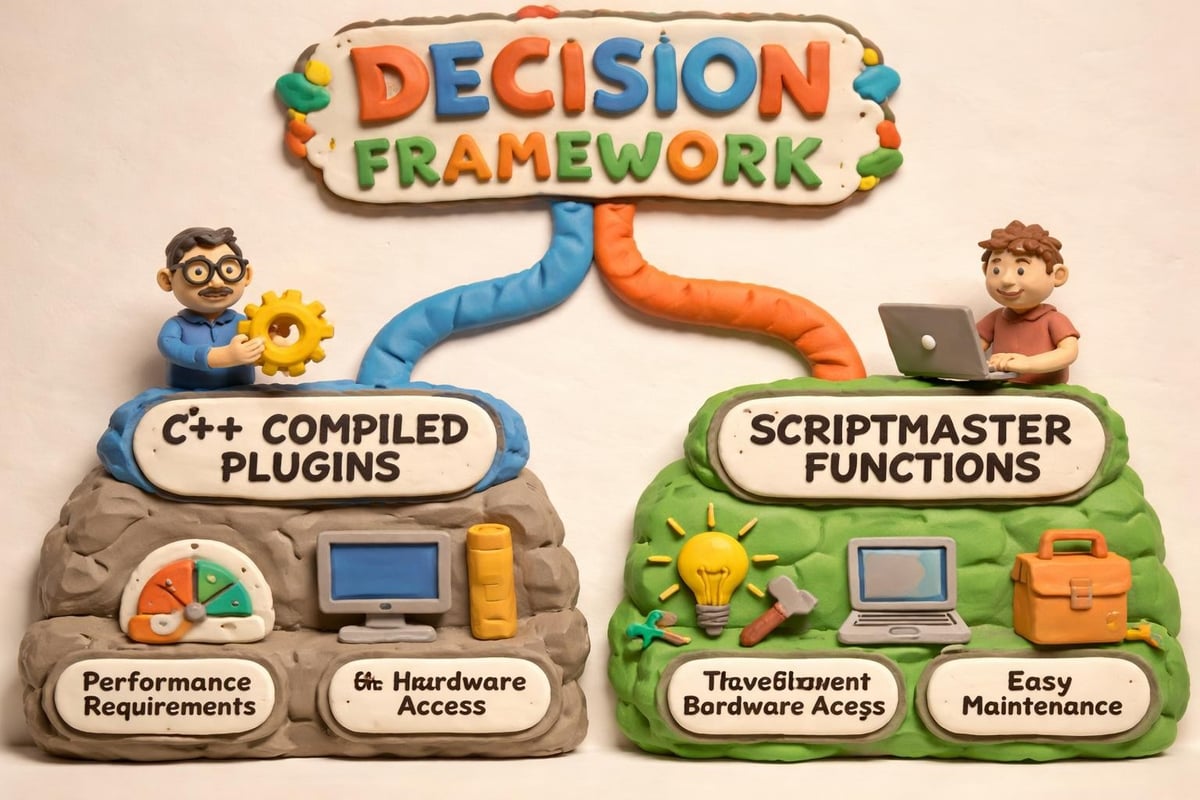
However, ScriptMaster cannot replace traditional plugins for all scenarios. Direct hardware access, kernel-level operations, and certain performance-critical functions still demand compiled C++ plugins. Strategic developers assess each requirement individually, selecting the appropriate tool for specific business needs.
Choosing Your Development Path
Your development strategy should align with organizational resources, timeline constraints, and long-term maintenance capabilities. Small businesses often benefit from ScriptMaster's accessibility, while enterprises with dedicated development teams may justify full C++ plugin development for maximum control.
Leveraging Commercial Plugins for Accelerated Development
Before committing resources to custom filemaker plugin development, evaluate commercial options that might satisfy your requirements. Established vendors offer mature, tested solutions addressing common integration challenges, potentially saving thousands of development hours.
The MBS Plugin from Monkeybread Software exemplifies comprehensive commercial solutions. With over 6,000 functions spanning iOS integration, PDF manipulation, image processing, and database connectivity, MBS eliminates the need for custom development in many scenarios. Organizations can explore tutorial videos covering MBS Plugin functionalities to assess relevance for specific projects.
Leading commercial plugins address these common requirements:
- Email and calendar integration with Microsoft Exchange and Gmail
- Payment processing through major gateways and merchant services
- Document generation including PDF creation and manipulation
- Database connectivity to SQL Server, Oracle, and MySQL
- File system operations beyond native FileMaker capabilities
Productive Computing offers specialized plugins for business integrations including Outlook synchronization, QuickBooks connectivity, and Google Workspace integration. These solutions integrate seamlessly with custom CRM systems, providing professional-grade functionality without custom development investment.
Cost-Benefit Analysis of Commercial Solutions
| Factor | Commercial Plugin | Custom Development |
|---|---|---|
| Initial Cost | $200-$1,500 per license | $10,000-$50,000+ |
| Development Time | Immediate deployment | 2-6 months typical |
| Maintenance | Vendor-provided updates | Internal responsibility |
| Customization | Limited to available functions | Complete control |
| Support | Professional vendor support | Internal expertise required |
When commercial plugins satisfy 80% of requirements, the economic case for custom filemaker plugin development weakens considerably. Strategic organizations supplement commercial solutions with targeted custom development only where unique competitive advantage justifies the investment.
Building Your First Custom Plugin
Embarking on custom plugin development requires systematic planning and structured execution. The journey from concept to deployed solution involves multiple phases, each demanding specific expertise and quality standards.
Begin with a clearly defined functional specification. Document exactly what your plugin must accomplish, including input parameters, expected outputs, error handling requirements, and performance benchmarks. This specification becomes your development roadmap and testing criteria.
Development Workflow Best Practices
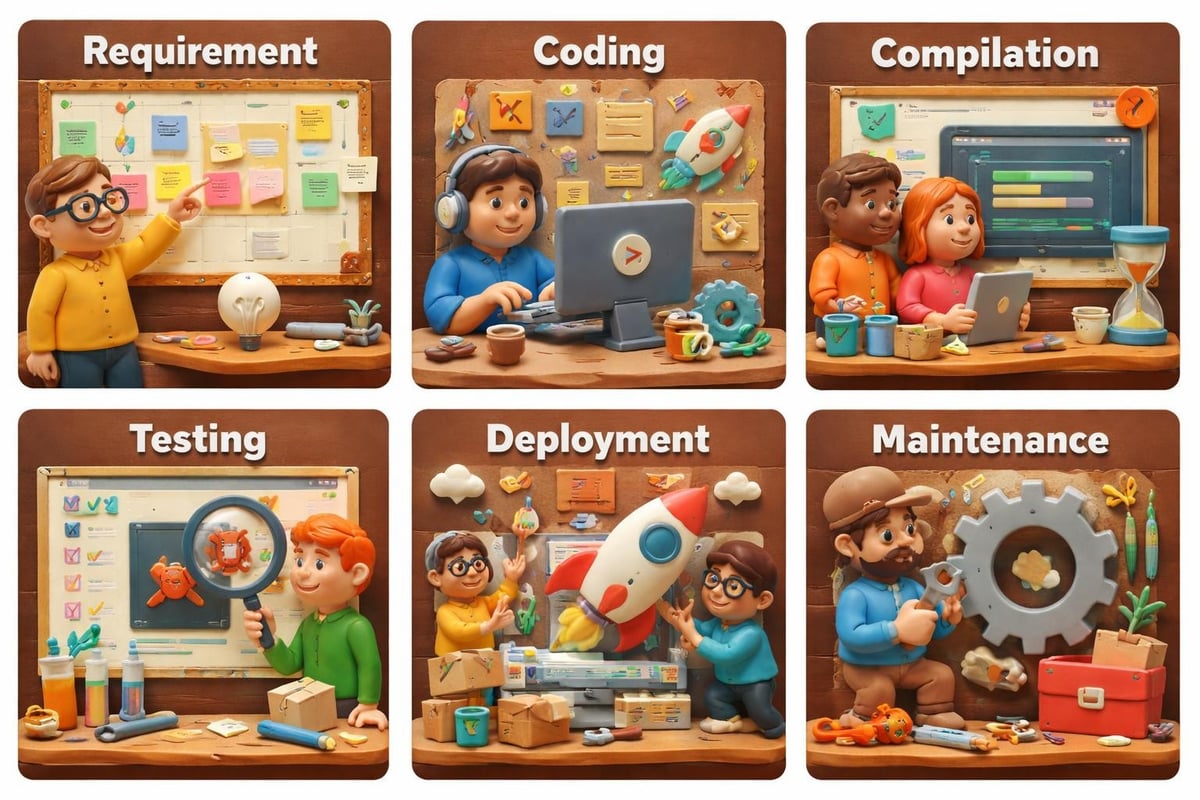
- Set up your development environment with appropriate compilers and the FileMaker Plugin SDK
- Study sample code provided in the SDK to understand plugin architecture and communication patterns
- Implement core functionality in isolated, testable modules before FileMaker integration
- Create FileMaker-specific wrapper functions that expose your core logic to scripts
- Test rigorously across platforms, FileMaker versions, and deployment scenarios
- Document thoroughly for future maintenance and knowledge transfer
The Claris Resources center provides essential guidance for developers navigating this process. Access to training materials, developer forums, and technical support dramatically accelerates learning curves and prevents common pitfalls.
Testing deserves particular emphasis. FileMaker plugin development introduces complexity that requires validation beyond typical application testing. Memory leaks, thread safety issues, and platform-specific behaviors demand comprehensive testing protocols. Organizations should allocate 30-40% of total project time to testing and refinement.
Advanced Integration Techniques
Sophisticated filemaker plugin development extends beyond basic function implementation. Modern plugins increasingly serve as integration bridges, connecting FileMaker solutions to external systems, cloud services, and specialized hardware that drive business value.
API integration represents a primary plugin use case. Custom plugins can implement OAuth authentication, handle complex REST API interactions, and manage secure credential storage beyond FileMaker's native capabilities. A logistics company might develop a plugin integrating real-time shipping rate calculations from multiple carriers, caching results for performance while maintaining data freshness.
Database connectivity plugins enable FileMaker solutions to interact with enterprise databases using native drivers rather than ODBC. This approach delivers superior performance and access to database-specific features. Healthcare organizations frequently require plugins connecting FileMaker interfaces to SQL Server backends storing patient records, enabling HIPAA-compliant data separation while maintaining seamless user experiences.
Hardware and Device Integration
Manufacturing and retail environments demand hardware integration that scripts alone cannot provide. Custom plugins enable FileMaker solutions to communicate directly with:
- Industrial barcode scanners and RFID readers
- Electronic signature pads and biometric devices
- Specialized printers including label and receipt printers
- Measurement instruments and data acquisition systems
- Point-of-sale terminals and payment processing devices
These integrations transform FileMaker from data management software into comprehensive operational systems. FileMaker data migration projects often reveal hardware integration requirements that plugins address elegantly, consolidating previously disparate systems into unified workflows.
Security Considerations and Best Practices
Security consciousness separates amateur plugin development from professional implementations. Plugins execute with elevated privileges, accessing system resources beyond typical FileMaker scripts. This power demands corresponding responsibility in security design and implementation.
Critical security practices include:
- Input validation and sanitization preventing injection attacks
- Secure credential storage using platform-appropriate encryption
- Memory management preventing buffer overflows and data leaks
- Code signing ensuring plugin authenticity and integrity
- Regular security audits and vulnerability assessments
Organizations handling sensitive data must implement defense-in-depth strategies. A financial services firm developing custom plugins should engage security professionals for code review, penetration testing, and compliance verification. The cost of security breaches far exceeds investment in proper security engineering.
Plugins accessing external systems introduce additional attack surfaces. API credentials, database passwords, and encryption keys require protection beyond simple obfuscation. Platform-specific secure storage mechanisms (Keychain on macOS, Credential Manager on Windows) provide appropriate security for sensitive data. Never hard-code credentials or store them in plaintext configuration files.
Performance Optimization Strategies
Performance distinguishes adequate plugins from exceptional ones. Users expect instantaneous responses, even when plugins perform complex operations. Strategic optimization throughout development ensures your custom implementations meet demanding performance requirements.
Optimization begins with algorithm selection. The difference between O(n) and O(n²) complexity becomes dramatically apparent when processing thousands of records. Profile your code under realistic load conditions, identifying bottlenecks before they reach production. Modern profiling tools reveal exactly where execution time accumulates, enabling targeted optimization efforts.
Caching strategies dramatically improve perceived performance for operations involving external systems or computationally expensive calculations. A plugin fetching geographic data might cache results for frequently-accessed locations, reducing API calls and response times. Implement intelligent cache invalidation ensuring data freshness while maximizing cache hit rates.
| Optimization Technique | Performance Impact | Implementation Complexity |
|---|---|---|
| Algorithm optimization | 10-100x improvement | Medium |
| Result caching | 5-50x improvement | Low-Medium |
| Asynchronous operations | Eliminates blocking | High |
| Memory pooling | 2-5x improvement | Medium-High |
| Native API usage | 2-10x improvement | Medium |
Asynchronous operations prevent FileMaker interface blocking during lengthy operations. Rather than freezing while waiting for external API responses, properly designed plugins return immediately and notify FileMaker upon completion. This approach maintains application responsiveness, critical for user satisfaction in demanding environments.
Maintenance and Version Management
Successful filemaker plugin development extends far beyond initial deployment. Long-term success requires systematic maintenance, version management, and evolution alongside the FileMaker platform itself.
Establish clear versioning conventions from your first release. Semantic versioning (major.minor.patch) communicates the nature of updates to users. Major versions indicate breaking changes requiring solution modifications. Minor versions add features while maintaining compatibility. Patch versions address bugs without functional changes.
Maintenance responsibilities include:
- Compatibility testing with new FileMaker releases
- Bug fixes addressing issues discovered in production
- Performance improvements based on real-world usage patterns
- Feature enhancements responding to evolving business requirements
- Security patches addressing newly discovered vulnerabilities
Organizations should budget 15-20% of initial development costs annually for ongoing maintenance. This investment prevents technical debt accumulation and ensures plugins remain compatible with evolving platforms. The Lolli Group portfolio demonstrates commitment to long-term solution evolution, recognizing that today's perfect solution becomes tomorrow's technical debt without continuous refinement.
Documentation deserves continuous attention throughout the plugin lifecycle. Comprehensive documentation enables knowledge transfer, simplifies troubleshooting, and facilitates future enhancements. Include API documentation, usage examples, troubleshooting guides, and architectural explanations. Future developers (including yourself six months later) will appreciate thorough documentation.
Real-World Implementation Case Studies
Understanding filemaker plugin development through practical examples reveals strategies applicable across industries. Consider a medical device manufacturer requiring real-time data collection from testing equipment. Standard FileMaker lacks the millisecond-precision timing and hardware protocols necessary for accurate data capture.
A custom plugin addressed this challenge by implementing direct serial communication with test equipment, buffering high-frequency measurements, and transferring aggregated data to FileMaker at specified intervals. This approach maintained data integrity while preventing FileMaker performance degradation from excessive update operations. The plugin reduced data collection time by 75% while improving accuracy and eliminating manual transcription errors.
Another implementation involved a distribution company requiring complex pricing algorithms incorporating customer history, volume discounts, seasonal adjustments, and competitive intelligence. While possible through calculations, performance degraded unacceptably with the company's 500,000-item inventory and 10,000 customer base.
A plugin implementing these algorithms in optimized C++ reduced pricing calculation time from 2-3 seconds to under 100 milliseconds. This performance improvement transformed user experience, enabling real-time quote generation that significantly improved sales team effectiveness. The investment in custom development delivered measurable ROI through increased deal velocity and improved customer satisfaction.
Debugging and Troubleshooting Techniques
Even expertly crafted plugins encounter issues during development and deployment. Effective debugging separates struggling developers from those who deliver reliable solutions on schedule.
Essential debugging approaches include:
- Comprehensive logging capturing function entry, parameters, execution paths, and results
- Debugger usage for step-through analysis of complex logic
- Memory analysis tools detecting leaks and invalid access patterns
- Cross-platform testing revealing platform-specific issues
- Isolated unit testing validating individual functions before integration
Modern development environments provide sophisticated debugging tools. Visual Studio and Xcode offer memory analysis, performance profiling, and execution tracing capabilities essential for professional plugin development. Master these tools early in your development journey, as they save countless hours tracking elusive bugs.
FileMaker-specific debugging challenges require additional strategies. Since plugins execute within the FileMaker process, traditional debugging techniques may interfere with normal operation. Implement detailed logging that writes to external files, enabling post-execution analysis without disrupting runtime behavior. Structure log output for easy parsing, including timestamps, thread identifiers, and contextual information facilitating issue reproduction.
FileMaker plugin development transforms capable database solutions into powerful enterprise platforms that drive operational excellence and competitive advantage. Whether you choose traditional C++ development, ScriptMaster's accessible approach, or strategic deployment of commercial plugins, success requires careful planning, rigorous testing, and commitment to long-term maintenance. Lolli Group specializes in designing and developing custom ERP and CRM software using Claris FileMaker, enhanced with API integrations and artificial intelligence. If your organization demands flexibility, scalability, and complete control over business processes through strategic plugin development, our team delivers solutions that transform vision into measurable results.