In 2026, project management is no longer optional, it’s the backbone of business agility and innovation. Companies are embracing robust, customizable tools to stay ahead in an ever-changing landscape.
This guide reveals how filemaker project management empowers organizations to adapt fast, integrate seamlessly, and build smarter workflows. You’ll discover FileMaker’s unique strengths, step-by-step strategies, integration with modern tools, the power of AI, UI/UX best practices, and future trends to keep your business on top.
Ready to transform your project management approach? Let’s dive in and unlock the potential of FileMaker for your team’s success.
Why Choose FileMaker for Project Management in 2026?
In 2026, the landscape of project management has changed dramatically. Businesses demand tools that not only keep up with their unique workflows but also drive innovation. FileMaker project management stands out as a powerful solution, evolving from a simple database tool into a robust, low-code platform that empowers organizations to build exactly the systems they need.
FileMaker’s rise as a rapid application development platform is no accident. It allows teams to create custom project management workflows without heavy coding, making it ideal for businesses that want to move fast and stay agile. Unlike rigid, off-the-shelf solutions, FileMaker project management adapts to your processes, not the other way around.
Let’s break down how FileMaker compares to some popular project management tools:
| Feature | FileMaker Project Management | Jira/Trello/Basecamp |
|---|---|---|
| Customization | Full, low-code | Limited (templates) |
| Workflow Adaptability | High | Medium |
| Integration Capabilities | Extensive (APIs, custom) | Varies |
| Centralization | All-in-one platform | Often fragmented |
| Scalability | Highly scalable | May require upgrades |
Most off-the-shelf tools force your business to fit into their models. With FileMaker project management, you design the solution around your business, giving you total control over fields, layouts, automation, and access.
Centralization is a game-changer. With FileMaker, you can bring together your tasks, people, clients, and documents in one secure platform. No more jumping between applications or losing track of critical information. Everything is connected, making collaboration effortless and reducing the risk of missed deadlines or lost data.
Integration is another major advantage. FileMaker project management connects seamlessly with tools your team already uses, like Slack, Outlook, QuickBooks, and Microsoft Teams. Through robust APIs, you can automate workflows, sync data, and keep everyone on the same page. This means less manual entry and more time spent on meaningful work.
Scalability is built in. Whether you’re a growing startup or a complex enterprise, FileMaker project management handles increasing data, users, and projects with ease. The platform’s adaptability ensures your system evolves as your business does.
Security is at the core of FileMaker’s updates for 2026. Enhanced encryption, advanced user permissions, and compliance features protect your sensitive data. Organizations can confidently meet regulatory requirements and industry standards.
Consider a real-world example: A graphic design firm struggled to manage multiple client campaigns using spreadsheets and disconnected tools. By implementing FileMaker project management, they centralized client communications, task assignments, and document storage. The result? Faster project turnaround, fewer errors, and happier clients.
The data is clear. From 2023 to 2025, there’s been a surge in businesses moving away from spreadsheets toward customizable project management platforms. According to recent industry reports, over 60% of organizations now prefer tailored solutions over generic ones for better efficiency and competitive advantage.
If you’re ready to take control of your workflows and future-proof your operations, FileMaker project management offers the flexibility, integration, and scalability you need. For those looking to maximize impact, FileMaker consulting for project management can help you design and implement a solution that fits your exact requirements.
Unlock the potential of your business. Choose FileMaker project management for a system that grows and adapts with you.
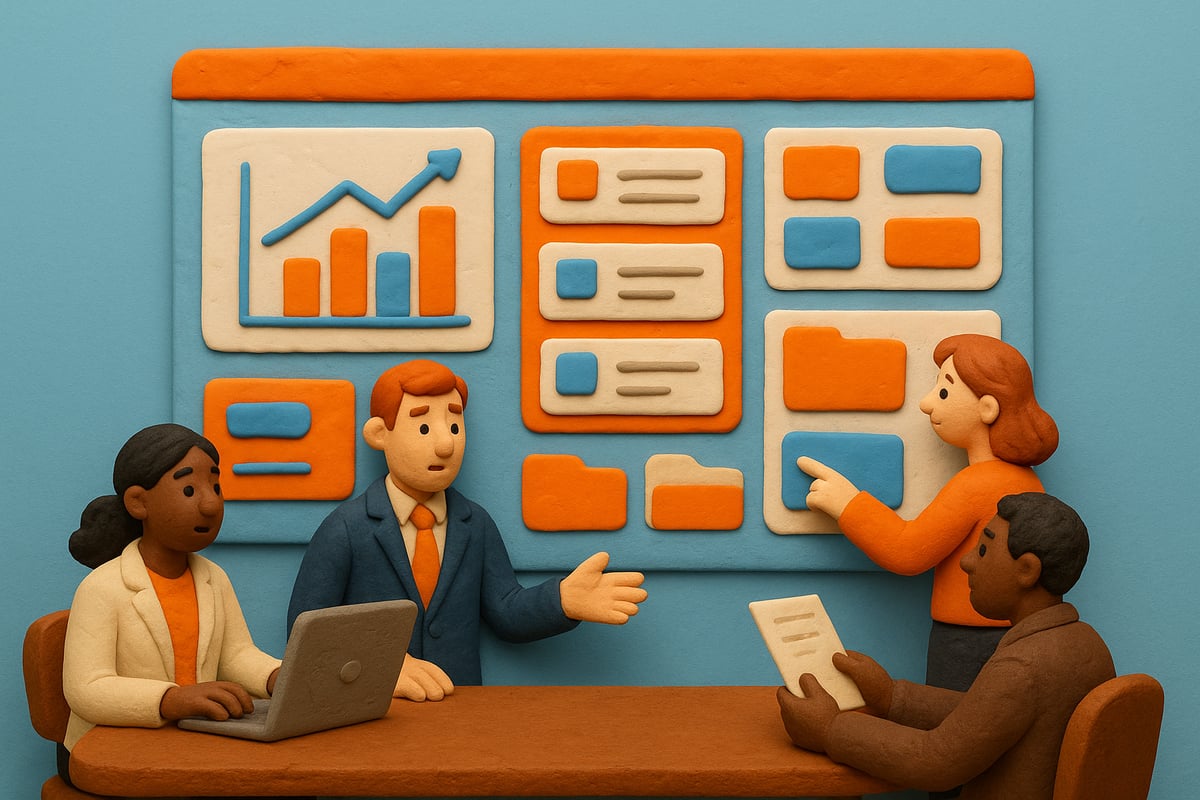
Core Components of a Successful FileMaker Project Management Solution
A robust filemaker project management system starts with a solid foundation. The core components you design today will determine how well your solution adapts to future business needs. In this section, we break down the essential building blocks that drive effective, scalable, and secure filemaker project management.
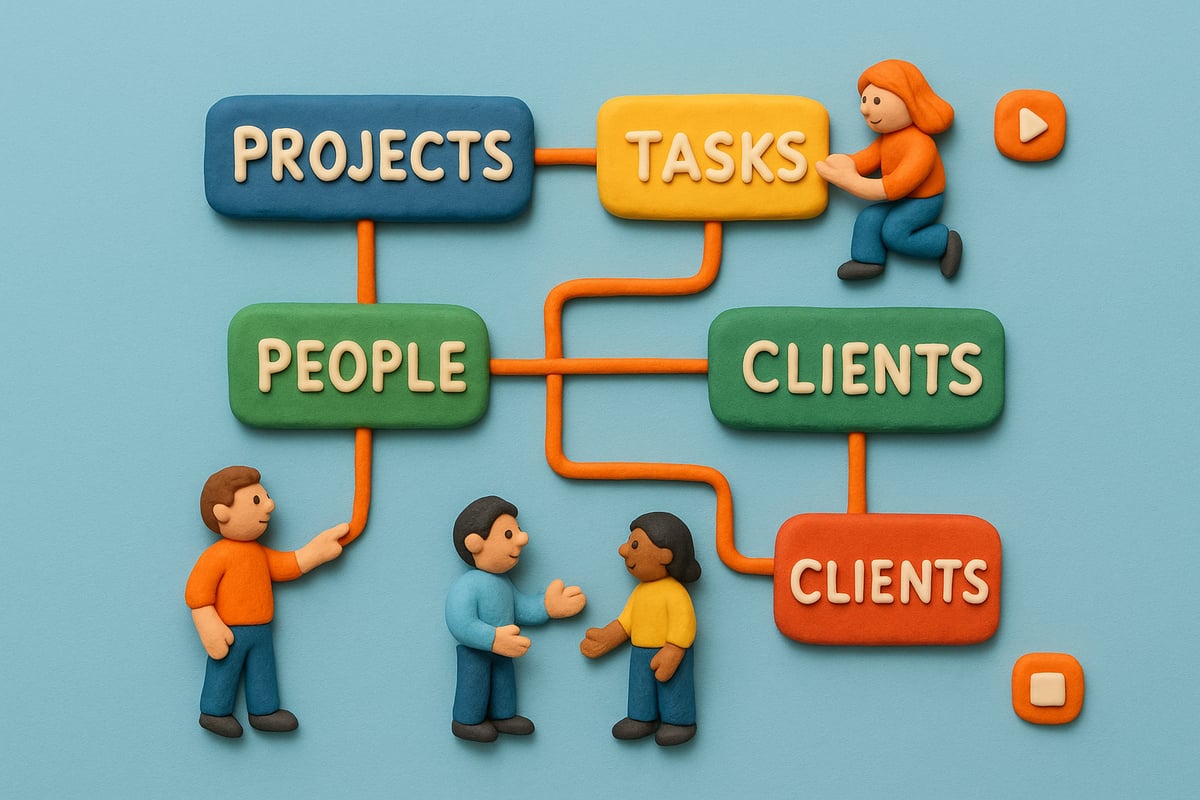
Defining Project Entities and Relationships
The heart of any filemaker project management solution lies in how you define and connect your core entities. At a minimum, you should include:
- Projects: The main containers for work.
- Tasks: Individual units of work linked to projects.
- People: Team members, collaborators, or stakeholders.
- Clients: External or internal customers.
- Documents: Files and resources tied to tasks or projects.
Structuring relationships is key. For example, a project can have many tasks, and a task can be assigned to multiple people. This one-to-many and many-to-many structure ensures your filemaker project management system mirrors real business processes.
Visualizing these connections with an Entity Relationship Diagram (ERD) makes it easier to spot bottlenecks and adapt as your organization grows. Flexibility is crucial, as your needs will evolve. Prioritize data integrity and normalization to prevent duplication and errors. This way, your filemaker project management data remains clean, reliable, and easy to maintain.
Essential Data Fields and Modules
Once your entities are mapped, focus on the data fields and modules that power your filemaker project management workflows. Each entity should include must-have fields:
- Projects: Name, description, status, start and end dates.
- Tasks: Description, deadline, priority, assignment, status.
- People: Name, role, contact info.
- Clients: Organization, contact person, industry.
- Documents: Title, type, linked task or project, upload date.
Industry-specific needs? Add custom fields as required. Supporting modules like comments, feedback, and discussion threads foster collaboration. For example, a “task detail card” can display task info, comments, and even screenshots side by side for quick reference.
Follow best practices for field naming and version control. Use clear, consistent labels and document changes to ensure everyone working in your filemaker project management system stays on the same page. This modular, well-documented approach makes updates and scaling a breeze.
User Roles, Permissions, and Security
Security and user management are central to effective filemaker project management. Define clear user roles such as Admin, Project Manager, Team Member, and Client. Set granular permissions to control who can access, edit, or assign tasks and view sensitive data.
A typical permissions table might look like this:
| Role | Assign Tasks | Edit Tasks | View All Projects | Access Documents |
|---|---|---|---|---|
| Admin | Yes | Yes | Yes | Yes |
| Project Manager | Yes | Yes | Yes | Yes |
| Team Member | No | Yes | Assigned Only | Assigned Only |
| Client | No | No | Own Projects | Own Documents |
With FileMaker 2026, security enhancements further protect your data. For example, you can restrict task assignment to only project team members, ensuring sensitive actions stay in the right hands. Staying compliant with data privacy regulations is easier when you follow FileMaker security best practices 2025, which detail the latest strategies for safeguarding your project management platform.
By setting up roles and permissions from day one, your filemaker project management system remains secure, scalable, and trusted by every user.
Step-by-Step: Building a Project Management Workflow in FileMaker
Creating an effective filemaker project management workflow is not just about technology, it's about transforming how your team works. By following a structured process, you can ensure your system fits your business needs both now and in the future.
This guide walks you through each essential step, from discovery to automation, so you can build a solution that delivers results, boosts productivity, and keeps your projects on track.
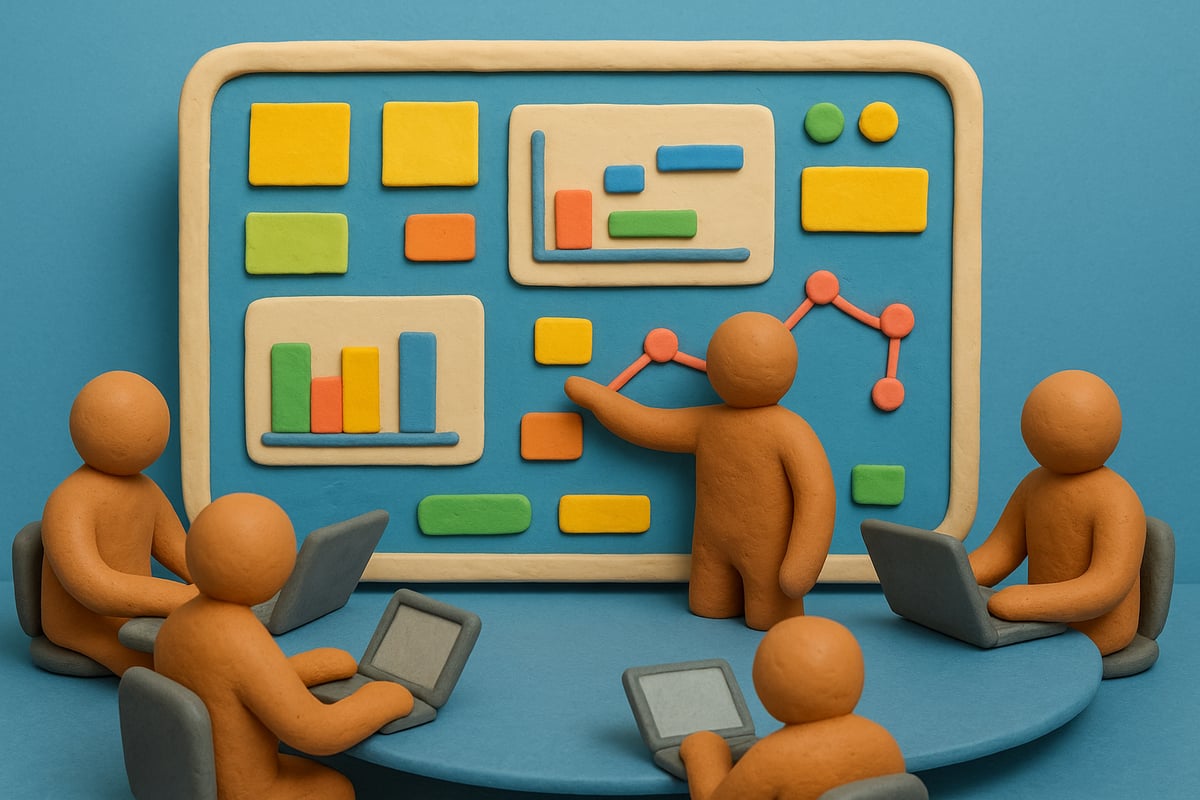
Initial Planning and Requirements Gathering
The foundation of every successful filemaker project management system is careful planning. Start with discovery sessions involving key stakeholders. Use whiteboards to map out your current workflows and pain points.
Ask questions like: What bottlenecks slow us down? Which processes are repetitive? Who needs to access what information? Document these findings in detail.
List your desired outcomes. For example, do you want real-time task updates, or automated reminders for overdue items? Align these goals with your business strategy.
Getting buy-in early is crucial. Invite feedback from project managers, team members, and even clients if their input is relevant. This collaborative approach ensures everyone’s needs are considered and creates a sense of ownership across the team.
Designing the Database Structure and UI
Once you have your requirements, translate them into a robust filemaker project management database. Start by defining your tables: Projects, Tasks, People, Clients, and Documents. Map relationships between them, such as one project to many tasks, or many tasks assigned to one person.
Plan your UI/UX with user adoption in mind. Choose layouts that are simple and intuitive. For example, use the Apex Blue theme and a 64/8 grid to create a clean, modern look. Consistent themes make your platform feel professional and trustworthy.
List essential interface elements:
- Navigation bar for switching between Projects, Tasks, and Team
- Task detail cards with comments and attachments
- Search and filter options for quick access to data
Accessibility matters. Ensure your layouts are easy to navigate for all users, including those on mobile devices. Think about color contrast, font size, and logical flow.
Version control is vital. Use clear field naming conventions and document every change. This keeps your filemaker project management solution scalable and easy to maintain. By designing thoughtfully, you set the stage for a tool your team will actually use.
Implementing Task and Project Tracking
Now it’s time to bring your filemaker project management system to life. Create task lists, project dashboards, and detail views that make it easy to monitor progress.
Use tabs and portals to separate information: one tab for Tasks, another for Team, Documents, and Notes. This organization simplifies navigation and helps users find what they need quickly.
Add color coding and visual alerts for due or overdue tasks. For example, tasks due today might appear in yellow, while overdue items turn red. Real-time updates keep everyone informed, reducing the risk of missed deadlines.
Here's a sample approach for your dashboard:
| Element | Purpose | Benefit |
|---|---|---|
| Task List | View and manage all tasks | Increased visibility |
| Project Board | Overview of all projects | Track progress at a glance |
| Team Tab | Assign and manage members | Clear accountability |
| Notes Section | Share updates and feedback | Improved communication |
Implement notification features that alert users when tasks are assigned or updated. The goal is to create a responsive, interactive experience that keeps your projects moving forward.
Remember, your filemaker project management workflow should evolve with your business. Regularly review how your tracking features perform and adjust them as your needs change.
Automating Workflows and Notifications
Automation is the secret weapon of modern filemaker project management. Use scripts to handle routine actions, such as updating task statuses or sending deadline reminders.
Set up email alerts for key events, like approaching due dates or overdue items. This reduces manual effort and ensures nothing slips through the cracks.
Integrate your system with calendars and communication tools. For example, you can connect FileMaker to apps like Slack or Outlook for seamless notifications and scheduling. For more ideas on connecting FileMaker with business tools, explore these FileMaker integration with business tools strategies.
Add a settings area where users can customize notification preferences. This empowers your team to stay in control of their workflow.
By automating repetitive tasks and integrating external tools, you boost accountability and free up time for high-value work. Your filemaker project management solution becomes not just a database, but a proactive assistant.
Integrating FileMaker with Modern Business Tools
In 2026, staying ahead means connecting every tool your team relies on. FileMaker project management is at its best when it brings all your business processes together, making your workflows seamless and efficient. With the right integrations, your project data, communications, and resources flow in harmony, giving you a significant edge.

API Integrations for Seamless Workflow
Modern businesses juggle dozens of apps daily. FileMaker project management stands out because it lets you tie these tools together using robust API integrations. Imagine tracking project milestones in FileMaker while instantly updating your team on Slack, syncing deadlines with Outlook, or sharing invoices through QuickBooks. This is not just about convenience, it is about eliminating data silos and streamlining your entire operation.
Here is a quick comparison of integration possibilities:
| Tool | Integration Benefit | Typical Use Case |
|---|---|---|
| Slack | Real-time team notifications | Task updates, project alerts |
| Outlook | Calendar and email sync | Deadline reminders, meeting scheduling |
| QuickBooks | Financial data connection | Invoicing, expense tracking |
| Teams/Zoom | Communication and meetings | Project check-ins, video updates |
You can use FileMaker's native connectors or RESTful APIs to automate information exchange. For example, when a new client is added in your CRM, FileMaker project management can push contact details to your marketing platform and accounting software. Webhooks and authentication protocols ensure security and real-time performance.
Here is a sample code snippet for a simple POST request to Slack:
// FileMaker script step using Insert from URL
Set Variable [ $json ; JSONSetElement ( "{}" ; "text" ; "New task assigned!" ; JSONString ) ]
Insert from URL [ "https://hooks.slack.com/services/XXXXX/YYYYY/ZZZZZ" ; cURL options: "-X POST -d @$json" ]
With API integrations, you spend less time copying data and more time focusing on results. This is how filemaker project management becomes the digital command center for your organization.
Leveraging Artificial Intelligence in Project Management
The next evolution of filemaker project management is smart automation. Artificial intelligence is no longer a luxury in 2026, it is a necessity. By embedding AI into your workflows, you can automate repetitive tasks, predict project risks, and allocate resources with precision.
Picture this: AI analyzes your project timelines and automatically assigns tasks based on team workload and expertise. It can flag at-risk projects before deadlines slip, or suggest the next best action for stalled tasks. This level of insight transforms how you plan, execute, and deliver projects.
FileMaker now supports advanced AI-driven features, from natural language processing to predictive analytics. For a deeper dive into what's possible, explore AI-driven management solutions in FileMaker. These innovations empower filemaker project management to offer smarter dashboards, automated reporting, and intelligent notifications tailored to your business.
Real-world scenarios include automated status updates, instant generation of progress reports, and proactive reminders for overdue items. The result is a more agile, responsive project management solution that keeps your team ahead of the curve.
No matter your industry, integrating AI with filemaker project management helps you move faster, make better decisions, and adapt to any challenge.
Best Practices for FileMaker Project Management Success in 2026
Crafting a winning filemaker project management solution in 2026 requires more than just technical know-how. It’s about intentional design, seamless collaboration, and a commitment to continuous improvement. By focusing on user experience, team productivity, and data-driven insights, you can build a project management platform that drives business results and keeps teams engaged.
User Experience and Interface Design
The first rule of filemaker project management success is prioritizing user experience. A clean, intuitive interface ensures your team adopts the system quickly and uses it consistently. When designing layouts, choose logical navigation paths, keep menus simple, and use responsive design to support users on any device.
Consider switching from side navigation to tabbed layouts for a more streamlined experience. Tabs help users find what they need faster, especially when paired with color-coded project categories or status badges. Custom themes and branding reinforce your company identity, while accessible fonts and clear contrast ratios make your solution usable for everyone.
Mobile optimization is crucial in 2026, as hybrid and remote teams demand flexibility. Test your layouts on different screen sizes to guarantee a smooth experience everywhere. For technical teams, implementing FileMaker performance optimization strategies can dramatically improve UI responsiveness and user satisfaction.
Small details make a big difference. Use consistent field labels, logical tab orders, and tooltips to guide users. With these filemaker project management best practices, you’ll create an interface that feels modern, welcoming, and efficient.
Collaboration and Team Management Features
Effective filemaker project management hinges on how well your system enables teamwork. Assigning tasks is just the beginning. Your platform should make it easy to select project members, delegate responsibilities, and track progress in real time.
Shared dashboards keep everyone aligned, offering a birds-eye view of project status, upcoming deadlines, and team workloads. Consider adding a dedicated Team tab, where managers can assign roles, distribute tasks, and monitor capacity. Real-time updates ensure that changes are reflected instantly, reducing confusion and keeping projects moving forward.
Document storage is another must-have. Integrate features for uploading, sharing, and discussing files—whether it’s PDFs, images, or design specs. Allowing team members to comment directly on task cards or project notes fosters communication and feedback without switching tools.
Integrate feedback loops by providing discussion threads or comment modules within each project or task. This approach supports transparent communication and accountability. By weaving these collaboration features into your filemaker project management system, you empower teams to work smarter, not harder.
Monitoring, Reporting, and Continuous Improvement
To truly excel at filemaker project management, you need robust monitoring and reporting tools. Dashboards can visualize key metrics, such as project timelines, team performance, and overdue tasks. Custom reports allow managers to drill down into client status, task completion rates, or resource allocation.
Here’s a simple table summarizing useful dashboard elements:
| Dashboard Element | Purpose |
|---|---|
| Project Overview | Track milestones, deadlines |
| Team Performance | Monitor workloads, efficiency |
| Task List | View open/overdue items |
| Client Status | Manage communication, billing |
Visual alerts, such as color-coded status bars or notification badges, help users spot issues before they become problems. Analytics features uncover trends, highlight bottlenecks, and support data-driven decisions.
Continuous improvement is key. Gather user feedback regularly and iterate on your system. When it’s time to modernize, follow best practices for updating FileMaker applications to ensure your project management solution remains scalable and secure as business needs evolve.
By making monitoring and iteration part of your filemaker project management workflow, you future-proof your investment and keep your teams at peak performance.
Future Trends: The Evolution of FileMaker Project Management
The future of filemaker project management is bright, driven by rapid advances in technology and changing business needs. As we approach 2026, leaders face a pivotal moment. Those who adapt to the latest trends will set the pace for innovation, collaboration, and efficiency.
Predictions for FileMaker Advancements by 2026
By 2026, filemaker project management will be transformed by several platform innovations. Cloud-first deployment will become standard, enabling seamless access for distributed and hybrid teams. Enhanced automation will streamline repetitive tasks, making workflows more efficient and reducing manual intervention.
Most notably, AI-powered features are set to revolutionize project tracking, forecasting, and risk analysis. With FileMaker's new AI integration, teams can automate assignments, predict bottlenecks, and gain actionable insights in real time. For a deeper look at these capabilities, check out AI integration in FileMaker 2025, which highlights how smart automation and machine learning are shaping the next era of filemaker project management.
Security and compliance will also see significant upgrades, with more granular permissions and advanced encryption to protect sensitive project data. These enhancements ensure organizations can trust filemaker project management for even the most demanding environments.
The Shifting Landscape: Teams, Data, and Compliance
The rise of hybrid and remote work has changed how teams collaborate. In the filemaker project management landscape, cloud-based solutions will support real-time updates, shared dashboards, and mobile access, making teamwork frictionless regardless of location.
Data-driven decision-making is now a necessity. Advanced analytics and integrated machine learning will help managers spot trends, allocate resources, and optimize project outcomes. Regulatory requirements are also evolving. FileMaker will continue to adapt, offering built-in compliance tools and audit trails to help businesses stay ahead of new privacy laws.
Here’s a quick comparison of traditional vs future-ready project management platforms:
| Feature | Traditional Tools | FileMaker Project Management 2026 |
|---|---|---|
| Cloud Access | Limited | Full, real-time |
| AI/Automation | Minimal | Advanced, integrated |
| Customization | Rigid | Highly flexible |
| Compliance Tools | Basic | Robust, up-to-date |
The future of filemaker project management lies in adaptability, speed, and security—a combination that empowers teams to achieve more.
Preparing for the Future: Migration and Flexibility
Many organizations are moving away from spreadsheets and rigid, off-the-shelf tools. The demand for flexible, low-code platforms is at an all-time high. Filemaker project management offers the agility to tailor workflows, integrate with ERP or CRM, and upgrade as business needs evolve.
A recent trend shows companies migrating to custom systems to handle complex projects, automate reporting, and centralize data. For example, healthcare and industrial firms are building bespoke solutions to manage compliance and streamline operations. If you are considering a similar move, explore Custom ERP and CRM with FileMaker to see how integrated solutions can future-proof your filemaker project management system.
To stay ahead, invest in platforms that are not only powerful today but ready to adapt tomorrow. Prioritize scalability, integration, and user experience, and your filemaker project management investment will continue to deliver value for years to come.
After seeing how FileMaker can transform project management with flexibility, automation, and real-time integrations, you probably realize that outgrowing cookie-cutter software is inevitable for a forward-looking business. Why settle for adapting your processes to rigid tools when you can have a system shaped around your team, your workflows, and your unique goals? If you’re ready to stop struggling with workarounds and start building real business agility for 2026 and beyond, let’s chat about how a custom solution can make all the difference. Build a System That Actually Works Talk to Lolli Group Stop adapting your business to rigid software. Design a custom, automated solution built around your real workflows.