The race to stay ahead in 2026 is on, and businesses can’t afford to fall behind. The pressure for rapid adaptation and smarter decision-making is driving a surge in demand for tailored ERP systems.
Organizations are searching for solutions that flex and scale with shifting technology and market realities. That’s where a custom erp filemaker approach stands out, offering unmatched process automation, seamless integration, and long-term resilience.
Imagine an ERP that truly fits your business—streamlining workflows, boosting productivity, and making compliance effortless. This guide reveals a step-by-step blueprint for designing, building, and launching your own custom FileMaker ERP to unlock your competitive advantage in 2026.
We’ll explore the latest ERP trends, show you how to plan and build with FileMaker, cover AI and API integration, share deployment best practices, and bring it all to life with real-world success stories.
The 2026 ERP Landscape: Why Custom Solutions Matter
The ERP landscape in 2026 is rapidly evolving as businesses seek solutions that can keep pace with market and technology shifts. Companies worldwide are moving away from rigid legacy systems, fueling global ERP adoption rates and boosting the projected market size. According to recent industry reports, cloud and hybrid ERP models are gaining ground, providing greater flexibility and real-time insights. However, challenges with off-the-shelf solutions persist, such as limited customization and high ownership costs. Industry-specific needs are rising, especially in sectors like healthcare and manufacturing. For more detailed statistics, see the ERP Software Market Size & Share report.
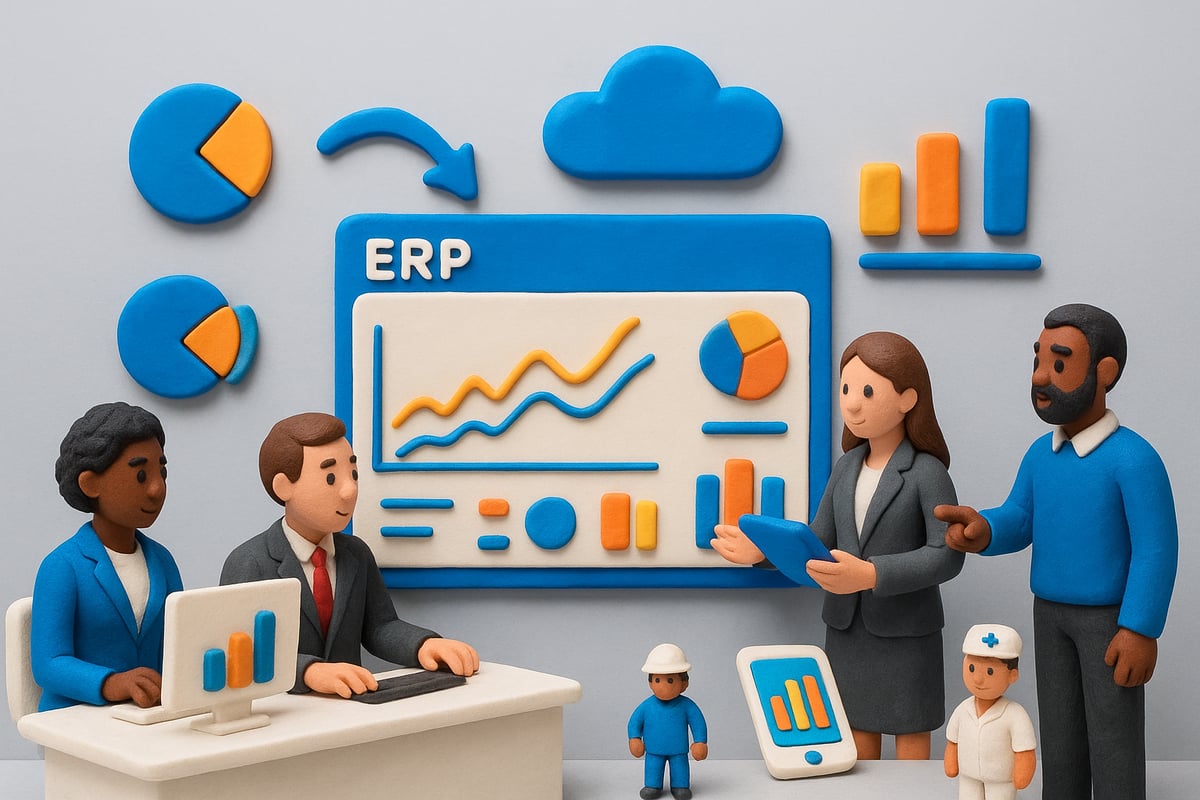
Key ERP Trends and Challenges
Modern businesses demand more from their ERP solutions than ever before. The shift from on-premise systems to cloud and hybrid deployments is accelerating, offering improved scalability and accessibility. Real-time analytics has become essential, empowering organizations to make faster, data-driven decisions. Off-the-shelf ERPs often fall short, struggling with integration issues and failing to support unique workflows. As a result, the need for custom erp filemaker solutions that align with specific industry requirements is growing. Gartner predicts that custom ERP deployments will outpace generic alternatives by 2026, especially in sectors facing rapid regulatory changes.
Benefits of Custom ERP Built on FileMaker
When businesses invest in a custom erp filemaker solution, they gain a platform tailored to their exact needs. This alignment means processes can be automated and adapted quickly as regulations or market conditions evolve. A custom approach enhances user experience, making everyday tasks more intuitive and reducing training time. Over time, organizations see lower total costs compared to one-size-fits-all systems. For example, a manufacturing company using a custom FileMaker ERP reduced process time by 30 percent and increased productivity across departments. The business impact of customization is clear and measurable.
FileMaker as a Platform for Custom ERP
Claris FileMaker stands out for its rapid application development and cross-platform capabilities. Whether on desktop, mobile, or web, custom erp filemaker solutions provide seamless access and consistent user experiences. Built-in security features ensure data protection, while scalability allows the system to grow with your business. FileMaker’s robust integration tools simplify connections to other systems, supporting advanced automation. Its active community and extensive support resources enable organizations to troubleshoot and innovate quickly. Adoption rates among SMBs and enterprises continue to rise, highlighting FileMaker’s reliability for businesses of all sizes.
Who Needs a Custom FileMaker ERP?
A custom erp filemaker system is ideal for medium to large enterprises with complex workflows or frequent process changes. Organizations in regulated industries, such as healthcare or finance, benefit from the compliance features and flexible reporting options. Teams that require unified data or need to integrate multiple software platforms find FileMaker’s seamless connectivity invaluable. Service sector businesses, for example, have automated multi-department operations, resulting in streamlined collaboration and faster response times. Ultimately, companies seeking agility, compliance, and integration should consider a tailored FileMaker ERP to drive future growth.
Planning Your Custom ERP: Laying the Groundwork
Before diving into development, careful planning is the backbone of any successful custom erp filemaker project. This phase sets the stage for long-term business transformation, helping you avoid costly missteps and ensuring your new ERP truly fits your needs.

Defining Business Goals and Requirements
Start by mapping your current workflows, pinpointing bottlenecks, and clarifying what success looks like for your organization. A custom erp filemaker solution should address your biggest pain points, not just automate the status quo.
List your must-have features, such as compliance reporting or advanced analytics, and distinguish them from "nice-to-haves." Engage stakeholders from every department, as their insights will shape a system everyone supports.
Set measurable KPIs—like reducing manual data entry by 50 percent or achieving real-time reporting. For example, a healthcare provider might prioritize audit trails and regulatory compliance as top goals for their custom erp filemaker implementation.
Choosing the Right ERP Development Partner
Selecting a skilled development partner is vital to your project's success. Look for teams with deep expertise in both FileMaker and ERP methodologies. Ask for proof of industry experience, review their previous work, and verify their status as certified Claris FileMaker Partners.
During interviews, pose scenario-based questions to gauge how well they understand your sector's unique challenges. For a closer look at what a top-tier partner offers, see this page on Custom ERP and CRM Solutions.
A strong partner will collaborate closely, ensuring your custom erp filemaker system aligns with your business vision and adapts as your needs evolve.
Budgeting and Resource Allocation
Budgeting for a custom erp filemaker project requires balancing initial investment with future scalability. Estimate costs for development, FileMaker licensing, ongoing maintenance, and user training.
Allocate internal resources for project management and appoint "ERP champions" to drive adoption. Use a simple table to clarify budget allocation:
| Category | Estimated % of Budget |
|---|---|
| Development | 50% |
| Licensing | 20% |
| Training | 15% |
| Maintenance | 15% |
A typical mid-sized project might invest more upfront to ensure robust features and flexibility, reducing long-term costs as your custom erp filemaker system grows with your business.
Timeline and Project Milestones
Define a realistic roadmap covering discovery, design, development, testing, and deployment phases for your custom erp filemaker rollout. Break the project into clear milestones, such as requirements gathering, prototype review, and user acceptance testing.
Build in time for user feedback and iterative improvements. For a 6–12 month timeline, a Gantt chart can help visualize dependencies and highlight critical path tasks.
Frequent check-ins and milestone reviews keep your project on track and ensure your custom erp filemaker evolves with your business needs.
Risk Management and Change Readiness
Proactive risk management is essential for a smooth custom erp filemaker launch. Identify common risks such as scope creep, data migration hurdles, or user resistance early on.
Develop mitigation strategies, like phased rollouts and comprehensive training. Prepare your team for change by communicating benefits, addressing concerns, and providing ongoing support.
A readiness checklist—covering data backups, stakeholder buy-in, and change champions—can help ensure your organization is fully prepared for the transition to a custom erp filemaker solution.
Building Your Custom FileMaker ERP: Step-by-Step Blueprint
Building a custom erp filemaker solution means following a clear, actionable blueprint. Each step builds on the last, ensuring your ERP system is robust, flexible, and tailored to your business. Let’s walk through the process, step by step, so you gain a competitive edge in 2026.
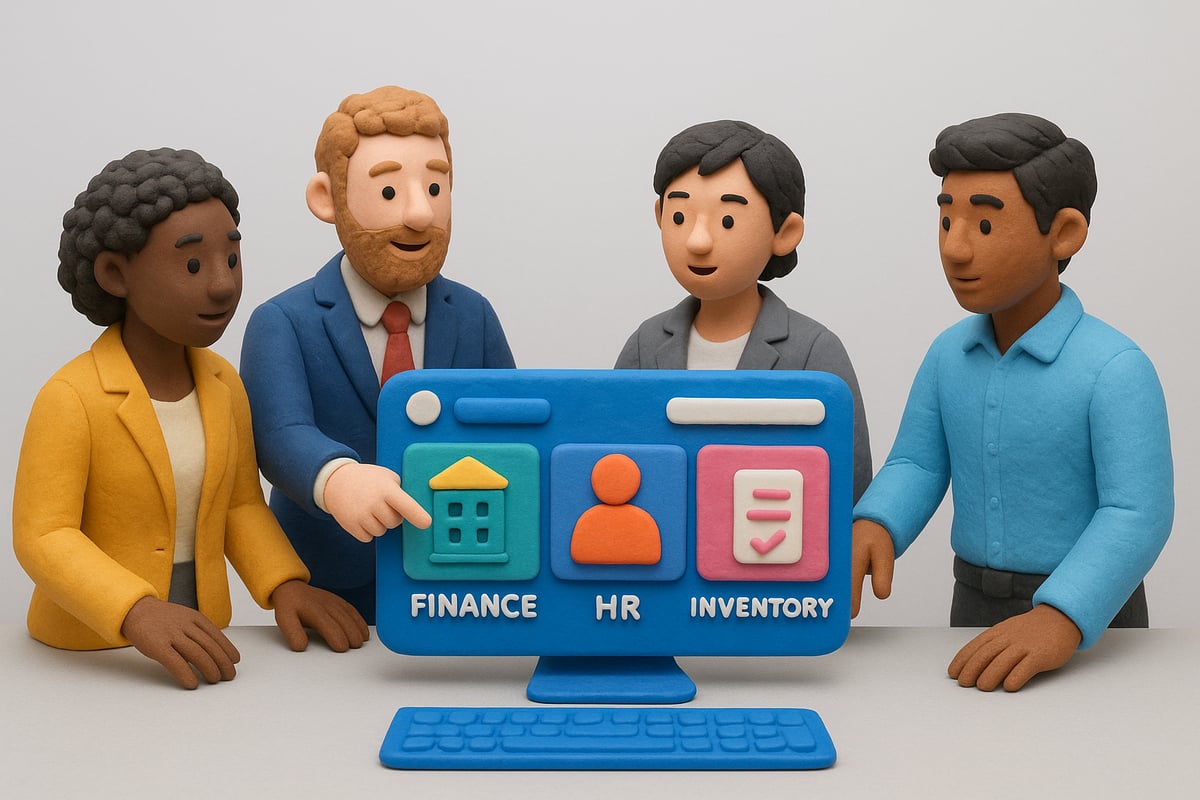
Step 1: Designing the ERP Architecture
The foundation of any custom erp filemaker project begins with solid architecture. Start by mapping out your essential modules. Common choices include finance, HR, inventory, and CRM, but your unique needs should drive the final list.
Modular design is key. By separating each function, you ensure scalability and easier updates. For example, a manufacturing firm can isolate production, procurement, and logistics modules. This approach lets you adapt to changes without disrupting the entire system.
Use a simple table to visualize your modules:
| Module | Purpose |
|---|---|
| Finance | Manage budgets, billing |
| HR | Track staff, payroll |
| Inventory | Monitor stock levels |
| CRM | Manage customer data |
Careful planning at this stage makes future development smoother, saving time and costs.
Step 2: Data Modeling and Migration
With your architecture defined, focus on data. Migrating from legacy systems to a custom erp filemaker setup requires precise data mapping. Audit your current data: what do you need, and what can be archived?
Data integrity is the priority. Use FileMaker’s built-in import tools to transfer data securely. For example, migrating from Excel involves cleaning your spreadsheets, then mapping columns to the new FileMaker tables. Always test small data batches first before full migration.
Security matters. Set permissions on sensitive data, and consider encryption for compliance. This careful approach prevents errors and safeguards your business information.
Step 3: Custom Interface and User Experience
A powerful custom erp filemaker system is only as good as its interface. Design intuitive dashboards and forms that reflect real workflows. Think about how each team member interacts with the system.
Role-based access is crucial. Tailor views and permissions for different roles, ensuring users only see what’s relevant. Prioritize mobile and web access, enabling your team to work seamlessly from any device.
For instance, a streamlined interface can reduce training time by 40 percent. Use visual cues, clear navigation, and minimize unnecessary clicks. The result: faster onboarding and higher productivity.
Step 4: Automating Workflows and Processes
Unlock the full potential of your custom erp filemaker by automating repetitive tasks. Identify bottlenecks and manual steps that slow down your operations.
Leverage FileMaker scripts and triggers to automate processes like invoice generation, approval workflows, or notifications. A well-implemented automation can cut manual errors and save hours every week.
Consider this code snippet for automated invoice creation:
If [ IsEmpty ( Invoice::SentDate ) ]
  Set Field [ Invoice::SentDate ; Get ( CurrentDate ) ]
  Send Mail [ To: Customer::Email ; Subject: "Invoice Sent" ; Message: "Your invoice is attached." ]
End If
Automation not only boosts efficiency but also frees your team to focus on high-value tasks.
Step 5: Integrating with Third-Party Systems
A modern custom erp filemaker thrives on integration. Connect your ERP to other business tools like CRM, accounting, or e-commerce platforms for seamless workflows.
Use FileMaker’s API capabilities to enable real-time data exchange. For example, syncing your ERP with an online store ensures inventory is always up to date, reducing errors and improving customer satisfaction.
Start with a list of required integrations, prioritize based on business value, and plan phased rollouts. Testing each connection prevents disruptions and ensures reliable performance.
Step 6: Embedding Artificial Intelligence
Take your custom erp filemaker to the next level by embedding AI. Artificial intelligence unlocks predictive analytics, smart reporting, and automated decision-making.
Connect FileMaker to external AI services via API for features like demand forecasting, anomaly detection, or automated alerts. This future-proofs your ERP and delivers insights that drive smarter business decisions.
For a deep dive into integrating AI and APIs in FileMaker, check out FileMaker Integration with AI and APIs for practical strategies and inspiration.
AI transforms your ERP from a data repository into an intelligent business partner.
Step 7: Testing and Quality Assurance
Before launching your custom erp filemaker, thorough testing is non-negotiable. Develop detailed test cases for each module, covering every scenario users might encounter.
Conduct user acceptance testing, gathering feedback to refine workflows and fix issues. Validate data security, compliance, and performance to ensure a smooth rollout.
Use a checklist for final QA:
- Test all user roles and permissions
- Validate data integrity after migration
- Check integration points and automation scripts
A rigorous QA process guarantees your ERP is ready for real-world demands and sets you up for long-term success.
Integrating AI and APIs: Future-Proofing Your ERP
The future of business belongs to those who innovate fast. Integrating artificial intelligence and APIs is no longer optional for any custom erp filemaker project aiming for long-term success. These technologies drive smarter workflows, deeper insights, and seamless connections across your business ecosystem.
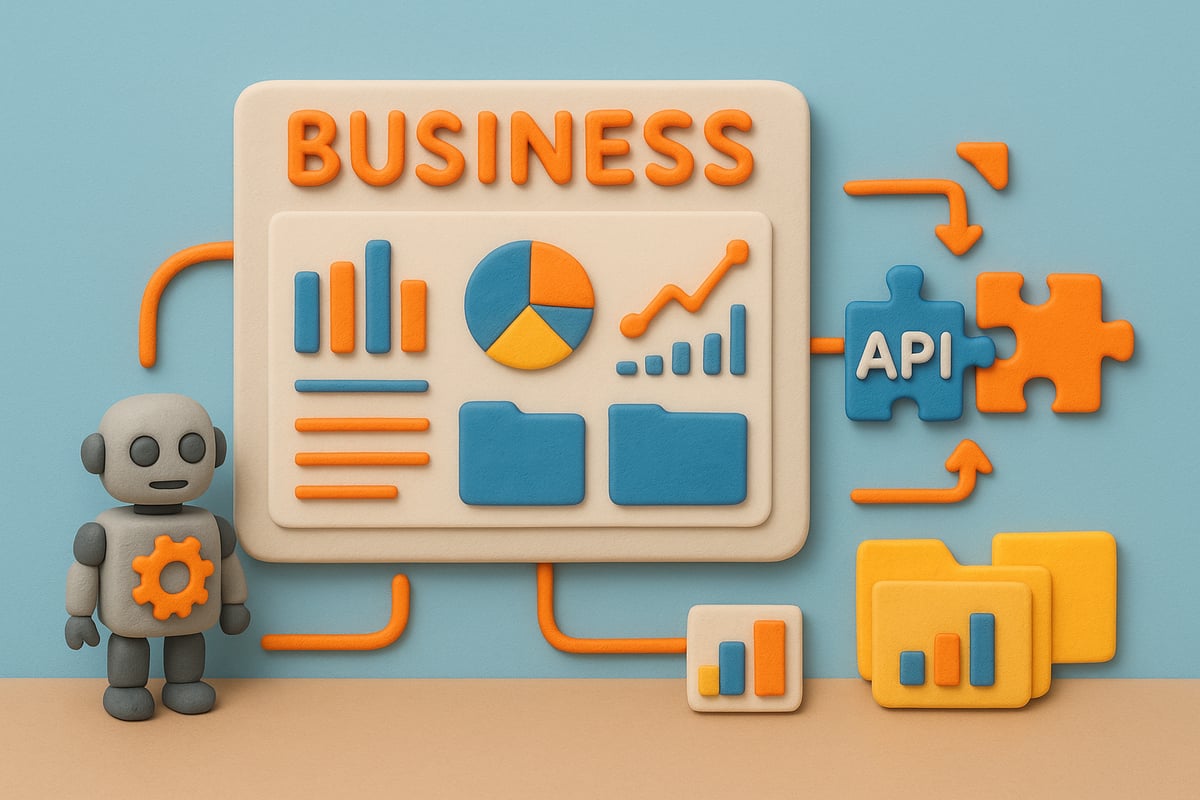
The Role of AI in Modern ERP Systems
AI is transforming the way companies use custom erp filemaker solutions. Today’s ERPs use machine learning to spot trends, automate routine decisions, and generate smart alerts that keep teams ahead of issues.
Imagine a dashboard that predicts inventory shortages before they happen. Or instant, AI-powered reports that cut analysis time in half. These are not distant dreams, but real benefits FileMaker users are experiencing now.
Key AI use cases in ERP:
- Demand forecasting for sales and inventory
- Anomaly detection in financial transactions
- Automated compliance monitoring
By embedding AI, your custom erp filemaker becomes a proactive business partner, not just a digital record keeper.
API Integration for Seamless Workflows
APIs are the glue that hold modern business systems together. With custom erp filemaker, you can connect your ERP to payment gateways, logistics platforms, and CRM tools for real-time data flow.
For example, APIs enable instant order updates from your e-commerce site to your inventory module. This breaks down silos and boosts productivity.
Benefits of API integration:
| Benefit | Impact |
|---|---|
| Real-time sync | Immediate data updates |
| Automation | Fewer manual steps |
| Scalability | Easy to add new services |
Curious about the possibilities? Discover how Tailor-Made Management Solutions with FileMaker can help you unlock advanced customization and integration for your business.
A custom erp filemaker with strong API links is built for growth and agility.
Security and Compliance Considerations
Every custom erp filemaker integration must be secure and compliant. Protecting sensitive business data and meeting regulations like GDPR or HIPAA is non-negotiable.
Best practices include using encrypted connections, strong authentication, and regular audits. Always vet third-party APIs for compliance and privacy standards.
Quick compliance checklist:
- Are all API calls encrypted?
- Is user data properly anonymized?
- Are audit logs maintained?
By prioritizing security, your custom erp filemaker not only shields data, but also builds trust with clients and regulators.
Scaling and Updating Integrations
As your business evolves, your custom erp filemaker should keep pace. Modular API integrations make it easy to add new features or services without major overhauls.
For instance, adding a new shipping provider is as simple as connecting another API endpoint. Regular reviews and updates ensure your system stays current and efficient.
Example API call for adding a new endpoint:
import requests
response = requests.post('https://api.shippingprovider.com/v1/connect', data={'erp_id': '12345'})
print(response.status_code)
With the right planning, your custom erp filemaker grows alongside your business, keeping you ahead of the curve.
Best Practices for Deployment, Training, and Support
Successfully launching your custom erp filemaker isn’t just about great design—it’s about flawless execution, empowered users, and ongoing support. A solid deployment plan ensures your investment delivers rapid ROI, while comprehensive training and proactive maintenance drive long-term adoption and business value.
Preparing for Go-Live: Data and Infrastructure
A smooth go-live is the launchpad for your custom erp filemaker success. Start by validating all migrated data, double-checking accuracy and completeness. Use a detailed infrastructure checklist to ensure your servers, cloud environment, and network are optimized for performance and reliability.
Consider the deployment model—cloud or on-premise—based on your security, compliance, and scalability needs. For example, in the FileMaker ERP for Healthcare case study, a healthcare provider leveraged a robust FileMaker deployment to meet regulatory requirements and deliver uninterrupted service. Final pre-launch tests and contingency plans reduce surprises, setting your business up for a confident start.
User Training and Adoption Strategies
No custom erp filemaker solution succeeds without user buy-in. Develop targeted training programs for each user group, using hands-on workshops, in-app tutorials, and clear documentation. Early involvement of key users helps identify pain points and champions who can assist others.
Leverage real-world examples, like the Stuckey & Company Case Study, where well-designed training led to a measurable drop in support tickets and faster onboarding. Encourage feedback, offer refresher sessions, and celebrate quick wins to build momentum and foster a culture of continuous learning.
Ongoing Support and Maintenance
After deploying your custom erp filemaker, proactive support and scheduled maintenance are essential for smooth operations. Establish clear support channels, such as a help desk, email, or live chat. Define escalation protocols so critical issues are resolved quickly.
| Support | Maintenance |
|---|---|
| User helpdesk | Regular updates |
| Escalation | Security patches |
| Knowledge base | Performance tuning |
Schedule regular system updates, back up data, and monitor performance metrics. This approach keeps your ERP secure, reliable, and ready to scale with your business.
Measuring Success and Continuous Improvement
The journey doesn’t end at go-live. Track KPIs tied to your custom erp filemaker goals, such as process speed, error reduction, or customer satisfaction. Gather user feedback through surveys and regular check-ins.
Hold quarterly review sessions to assess progress and prioritize enhancements. Use these insights to roll out iterative updates, keeping your ERP aligned with evolving business needs and driving ongoing value for your organization.
Common Pitfalls and How to Avoid Them
Even the best custom erp filemaker projects face challenges. Over-customizing can increase complexity and slow future updates. Neglecting user input may hurt adoption, while underestimating data migration can cause costly delays.
Avoid these pitfalls by:
- Setting clear scope and priorities
- Involving users early and often
- Allocating resources for thorough data migration
- Documenting lessons learned for future projects
By learning from real-world examples and following these best practices, your team can sidestep common traps and unlock the full potential of your custom ERP.
Real-World Success Stories: Custom FileMaker ERP in Action
Real-world results speak louder than theory. Let’s look at how organizations across industries are leveraging custom erp filemaker solutions to drive transformation. Each story highlights a different sector, showing the tangible impact of a tailored ERP system.
Manufacturing: Streamlining Production and Inventory
A leading manufacturer faced bottlenecks with outdated systems, struggling to keep pace with demand. By implementing a custom erp filemaker solution, they unified production planning, inventory tracking, and order management.
Key features included real-time inventory dashboards and automated alerts for low stock. Automated scheduling reduced manual errors and sped up production cycles. As a result, lead times dropped and waste was minimized.
The outcome? A 25 percent increase in throughput and faster delivery to customers. The custom erp filemaker platform empowered staff with actionable insights and efficient workflows.
Healthcare: Enhancing Compliance and Patient Management
A regional healthcare provider needed to streamline compliance reporting and patient data management. Off-the-shelf ERPs fell short on integration and regulatory needs. They chose a custom erp filemaker platform for its flexibility and security.
The system automated compliance documentation, integrated seamlessly with EHRs, and simplified audit trails. Administrative workload dropped by 40 percent, freeing up staff for patient care.
For a deeper look at these benefits, see the FileMaker Healthcare App Case Study, which details how process automation and integration transformed healthcare operations with custom erp filemaker.
Services Industry: Boosting Efficiency and Client Satisfaction
A fast-growing service firm managed projects and client data in disconnected tools, causing delays and miscommunication. With custom erp filemaker, they created a unified platform for CRM, project tracking, and billing.
Field teams accessed project data via mobile devices, while managers gained real-time visibility into workflows. Automated reminders improved follow-up and reduced missed deadlines.
Client response times improved by 30 percent. The custom erp filemaker solution brought teams together, driving higher client satisfaction and retention.
Lessons Learned and Key Takeaways
Across all examples, several success factors stand out for custom erp filemaker projects:
- Early stakeholder engagement ensures solutions fit real needs.
- Iterative development enables rapid improvements and user feedback.
- Scalability and adaptability help organizations stay competitive.
The most successful custom erp filemaker rollouts focus on user experience, integration, and measurable outcomes. By prioritizing these areas, businesses gain systems that evolve with them and deliver lasting value.
If you’re ready to stop wrestling with clunky, off-the-shelf ERP systems and actually take control of your business future, you’re in the right place. We’ve walked through the exact steps to plan, design, and launch a custom FileMaker ERP that truly fits you—not the other way around. Imagine having a system that automates the boring stuff, adapts as your business grows, and just works for your team. That’s not just wishful thinking—it’s what Lolli Group delivers for companies that demand flexibility and results. Why not see what’s possible for your business?
Build a System That Actually Works Talk to Lolli Group Stop adapting your business to rigid software. Design a custom, automated solution built around your real workflows.